3 In the Multi-lister, select the Delete Active command [Delete >
Active].
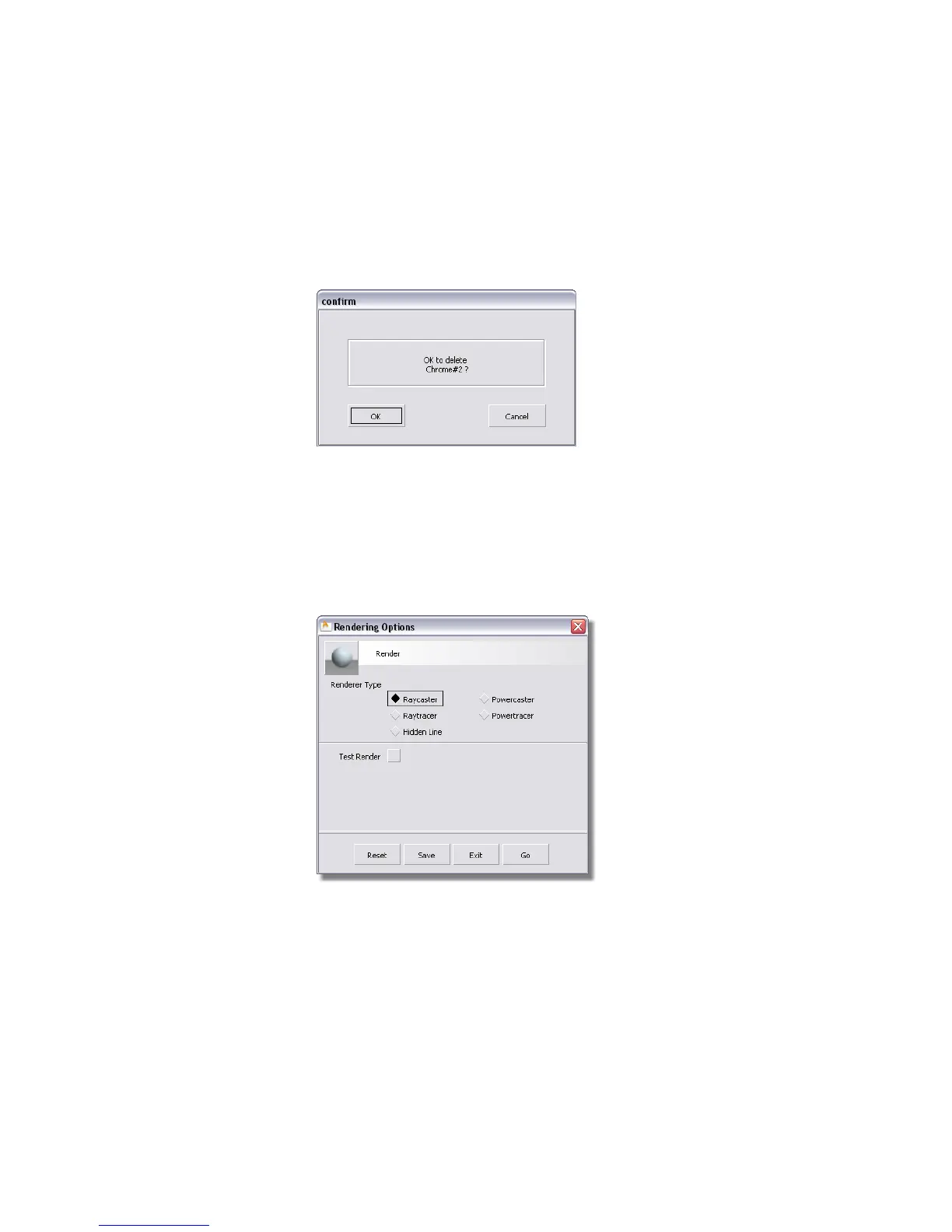
4 Click the OK button to confirm that you want the chrome to be deleted
from the model.
5 Close the Multi-lister.
Raytracing the scene
1 Select the Render options command (Render > Render ❒) to open the
Rendering Options window.
The Rendering Options window is opened.
2 In the Renderer Type section, click Raytracer.
Part 5: Raytracing | 721



 To Next Page