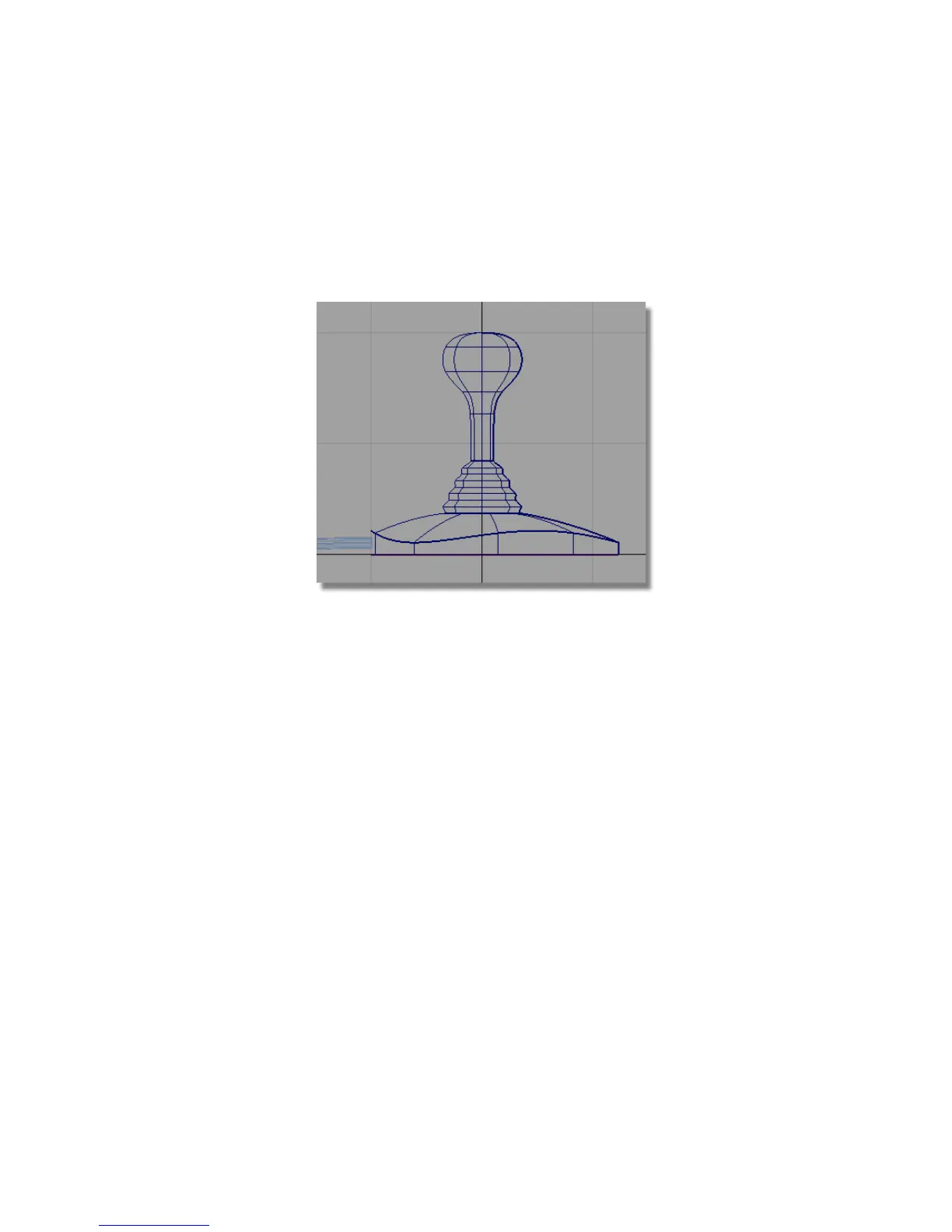
The surface bends to give a rounded shape to the top of the joystick base.
10 On the Control Panel, click the CV/Hull check box to turn off the CVs
and Hulls for the surface.
11 Choose Pick > Nothing to unpick the surface.
Sculpting the Top of the Handle
Next, you will refine the shape of the top of the joystick handle.
1 Choose Pick > Object and select the handle surface.
Part 6: Directly modifying surfaces | 245



 To Next Page