Creating a New File
For this tutorial, you will create a file and work from the dimensioned drawing
to create your model.
Watch Part 1 of the tutorial.
➤ Choose File > New to open the File Browser.
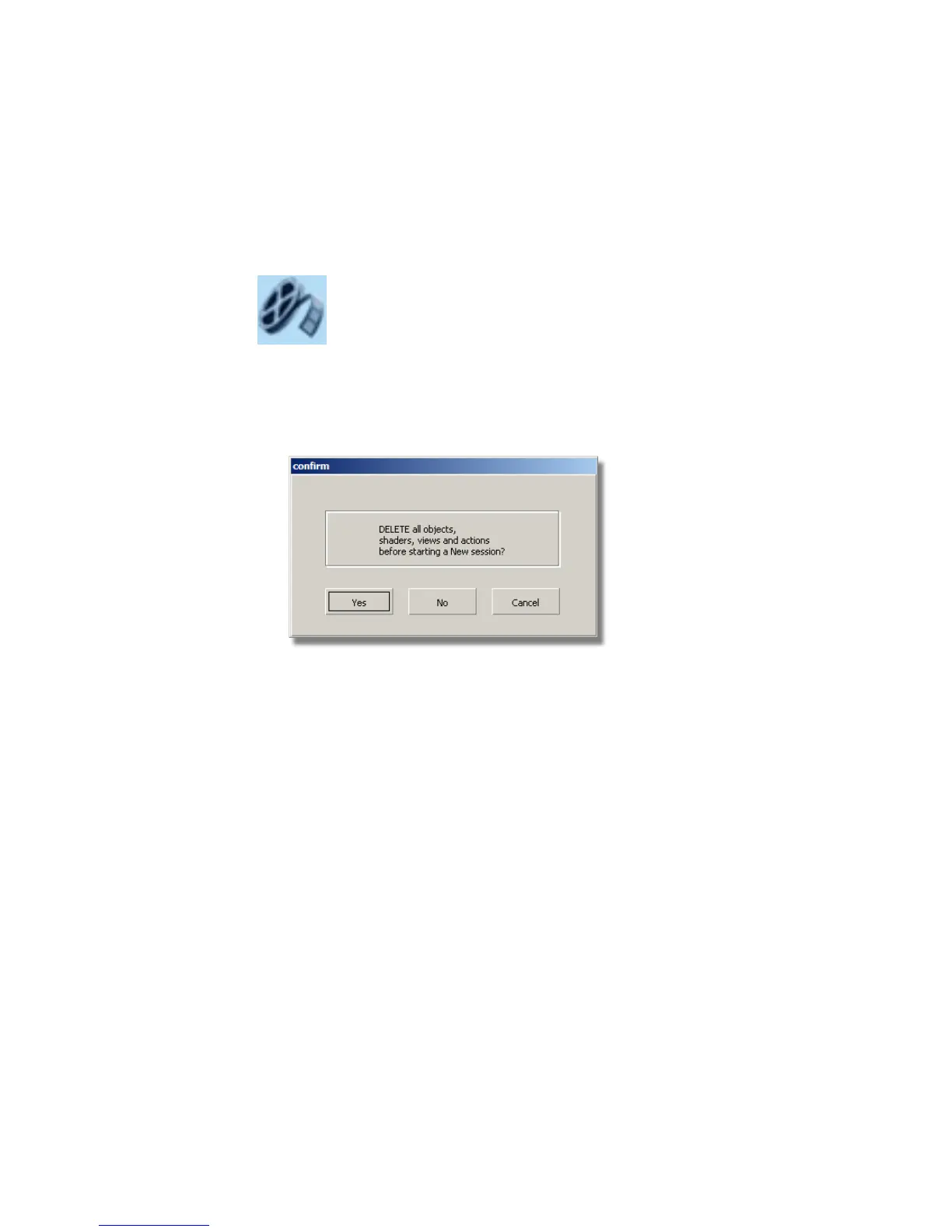
If you already have a file open, you will be asked if it is OK to delete the
current file.
Answer Yes.
An empty file is created.
404 | Chapter 7 Modeling an MP3 Player



 To Next Page