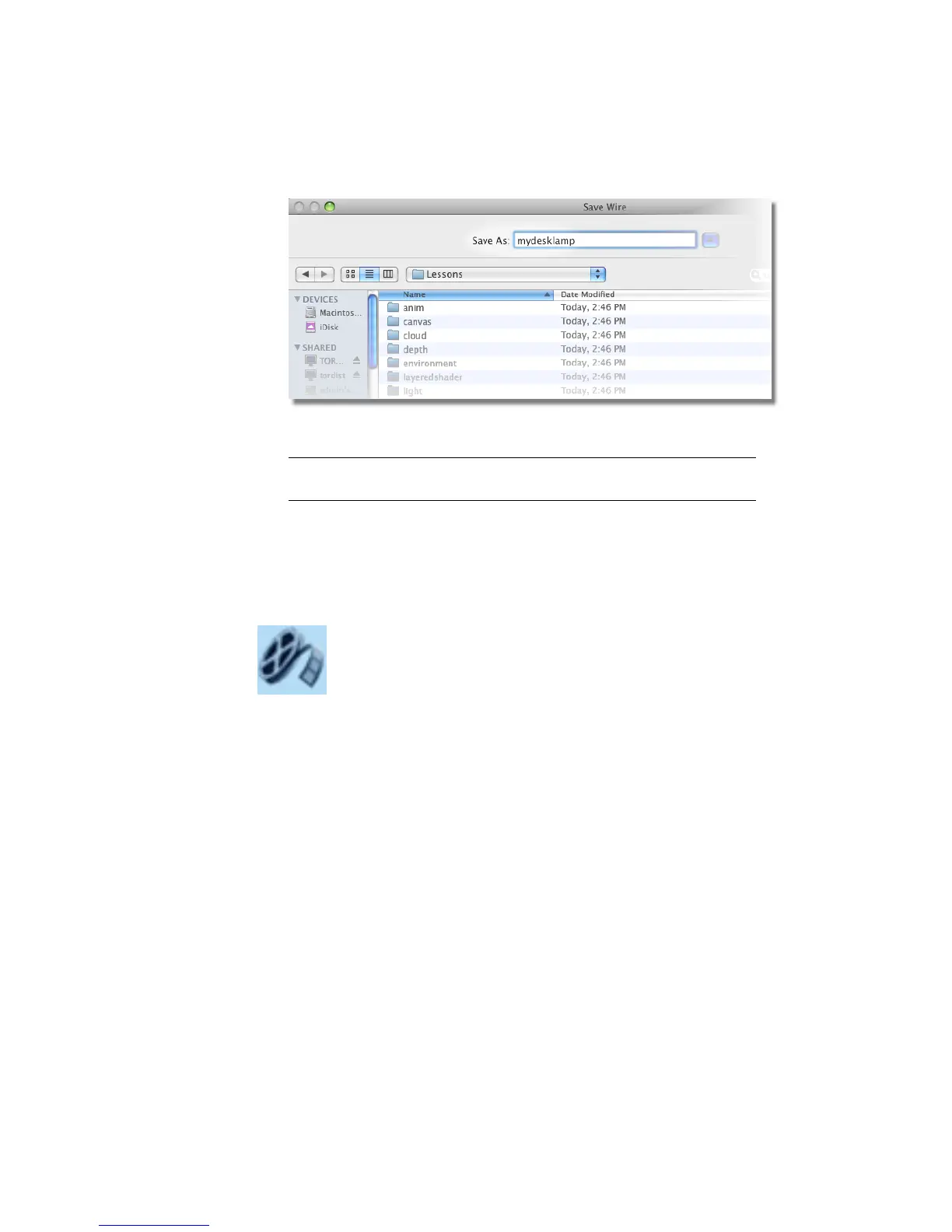
Alias saves the file mydesklamp.wire in the Lessons project.
TIP It is good modeling practice to save often as insurance against having
to start from the very beginning if you make a mistake.
Part 2: Building the lampstand
In this section, you will continue to build the lamp stand from cylinders.
Watch Part 2 of the tutorial.
Aligning the base to the grid
Next, align the cylinder to the grid in the Back view, to make the cylinder
look like it is sitting on the ground. To do this accurately, you need to set the
pivot point of the cylinder.
Pivot points
When scaling or rotating an object, the transformation is applied about the
object’s pivot point. When moving and snapping an object, it is the pivot
point that is snapped to the specified position.
The pivot point is indicated by a small green icon. This is displayed only when
the object is picked. By default, the pivot is at the center of the primitive.
102 | Chapter 4 Introduction to 3D



 To Next Page