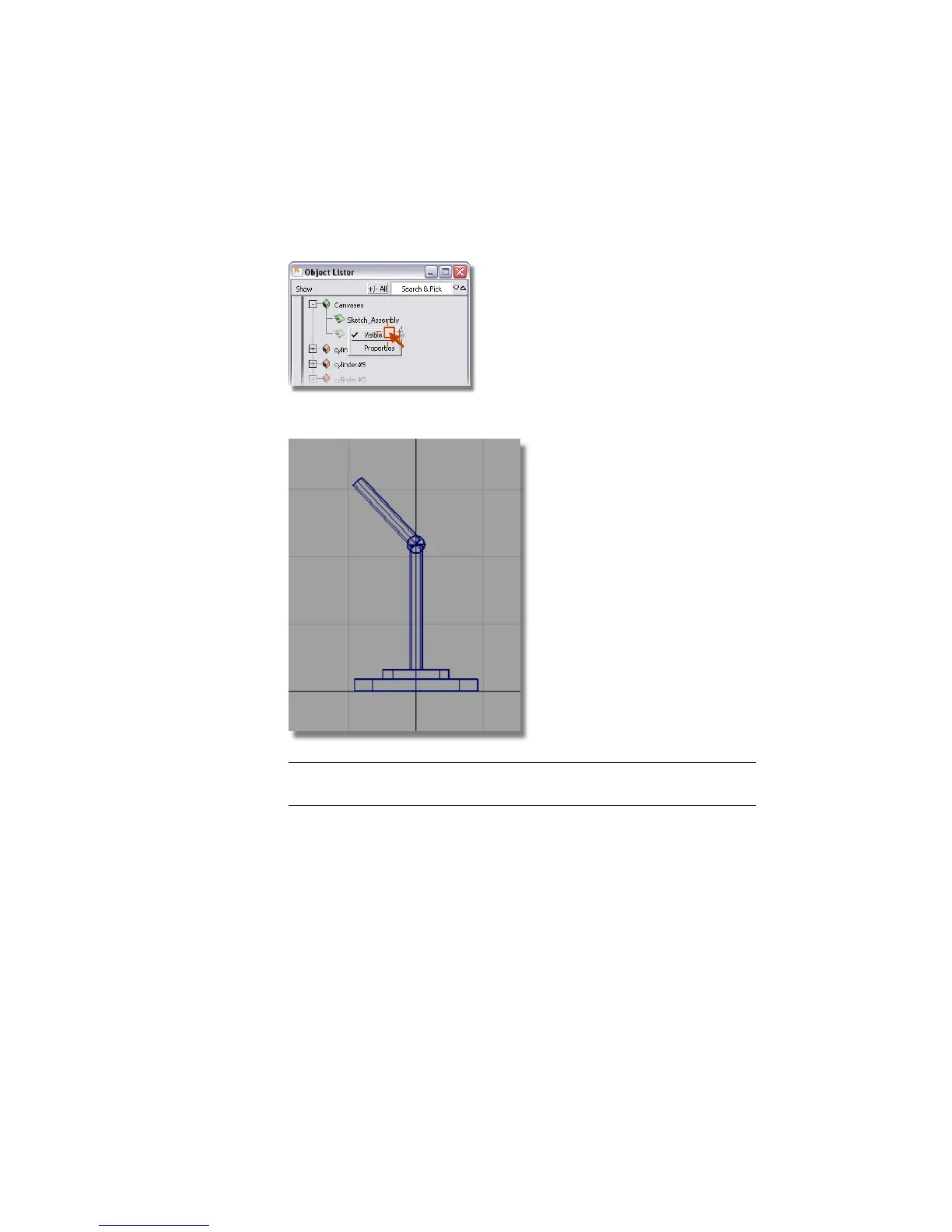
3 Click the right mouse button on the Sketch_Assembly name in the Object
Lister. A submenu appears. Keep the mouse button held down and move
to visible.
Release the mouse button and the sketch disappears from the screen.
NOTE Make the sketch visible again by selecting the same submenu and
choosing Visible.
Grouping the base objects
Individual objects can be grouped so they can be selected with a single click.
A group has a single pivot point.
1 Use Pick > Object from the Alias palette.
2 Click and drag in the area shown to select all the base components.
116 | Chapter 4 Introduction to 3D



 To Next Page