Now use the geometric primitive tools to add some geometry to the scene.
The primitive tools create simple 3D geometric shapes such as cubes, spheres,
and cones.
As a technical surfacer, you may not regularly need to add these simple shapes
to a model. However, they allow you to practice several Alias interface concepts,
including choosing tools, using manipulators, subpalettes, tool option
windows, and snapping.
To create a primitive sphere in the scene
1 Click the Surfaces > Primitives > Sphere tool.
2 A red outline appears around the icon to show it is the current tool.
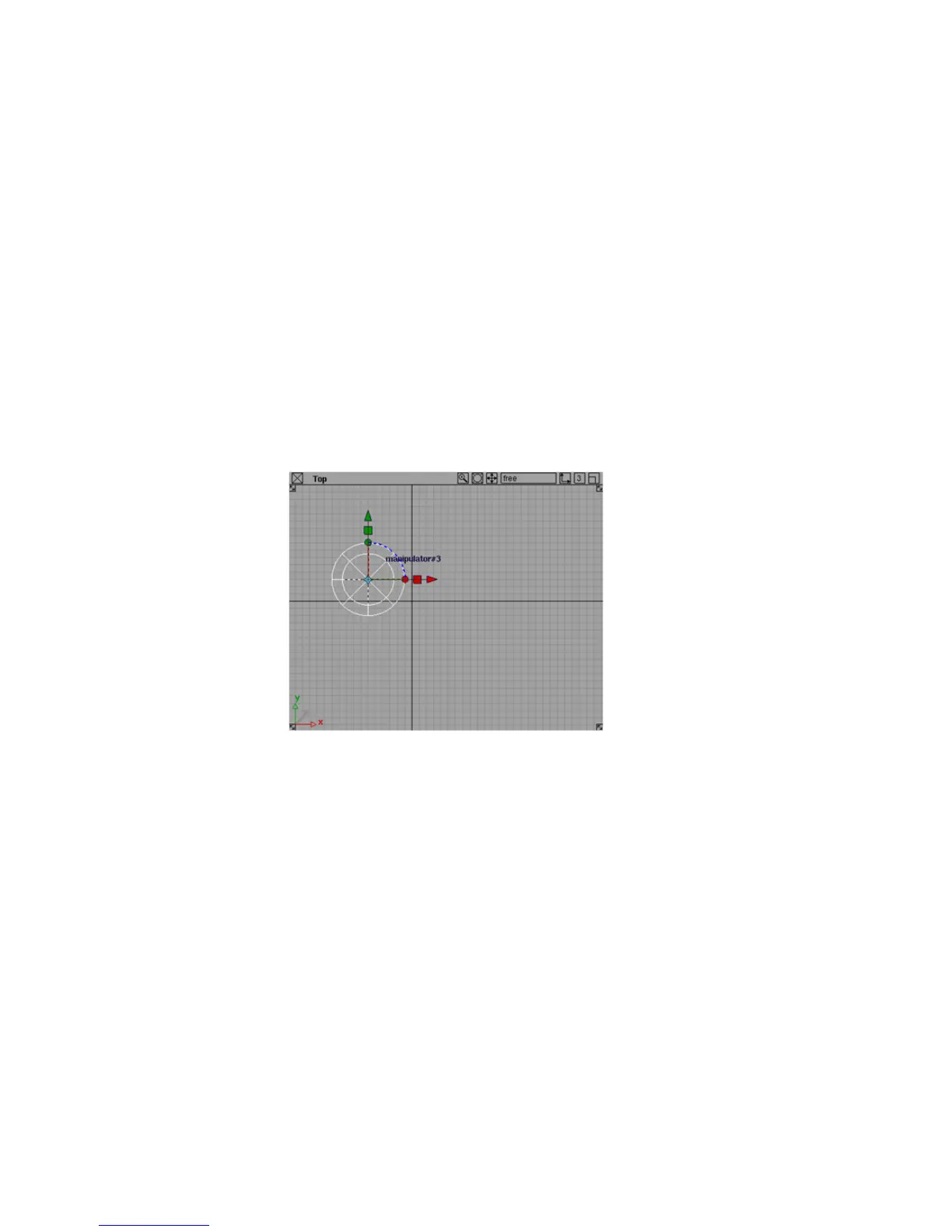
3 Click in the Top view window to place the new sphere.
A new sphere, one grid unit wide, appears where you release the mouse
button.
Using a Snap Mode
To use grid snapping to place a primitive cube
You may have noticed that some tools have a small yellow arrow in the top
right corner.
28 | Chapter 3 Interface Basics



 To Next Page