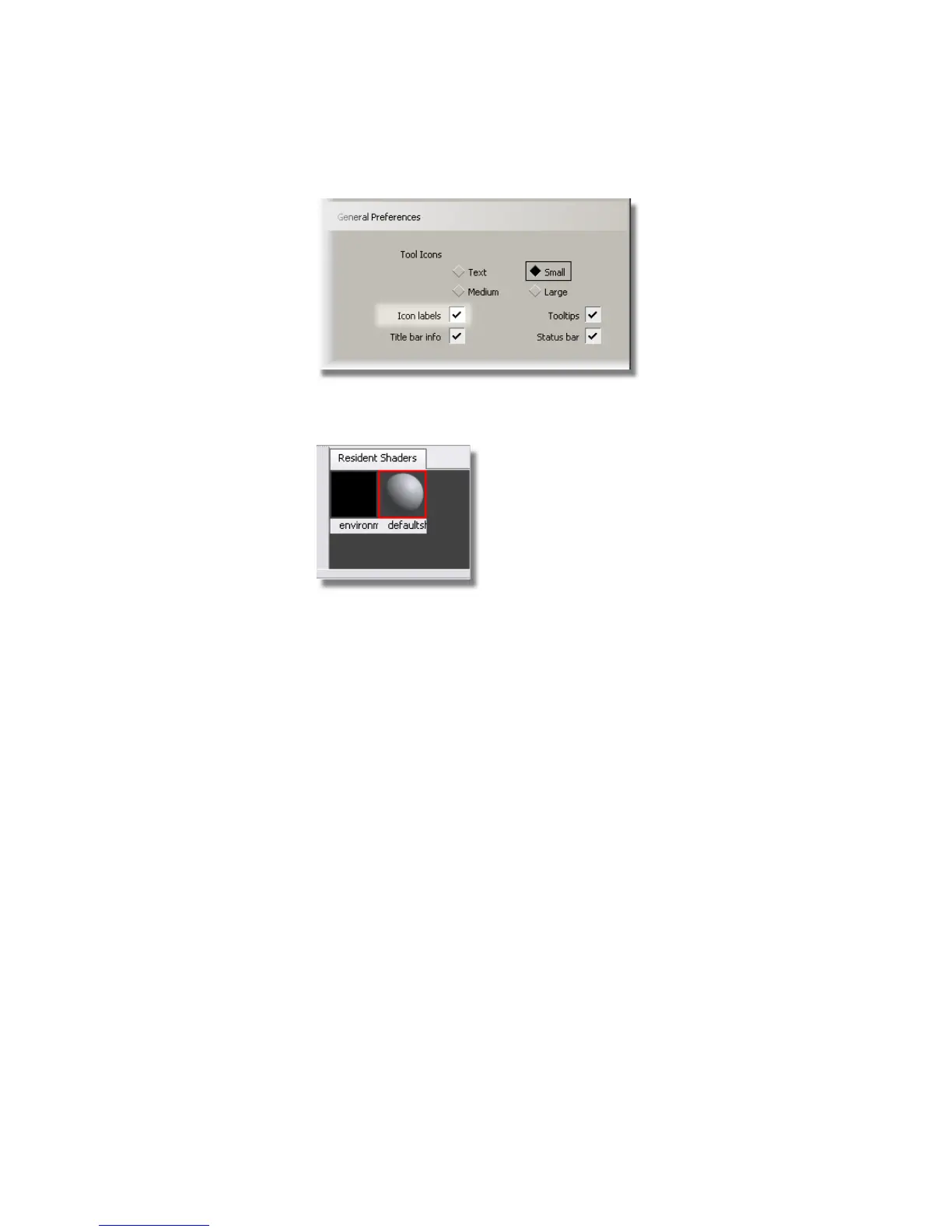
The Resident Shaders section in the Visualize Panel now shows the
name of the Default shader underneath the shader ball icon.
It is good practice to not use or modify the default shader, as you will
copy it to create new shaders.
So first, you will create a shader for the bottle.
Creating a Bottle Shader
1 Click the Default shader to select it.
Below the resident Shaders section, there are four icons. Click the Copy
Current Shader icon to create a shader.
Part 1: Creating Shaders | 639



 To Next Page