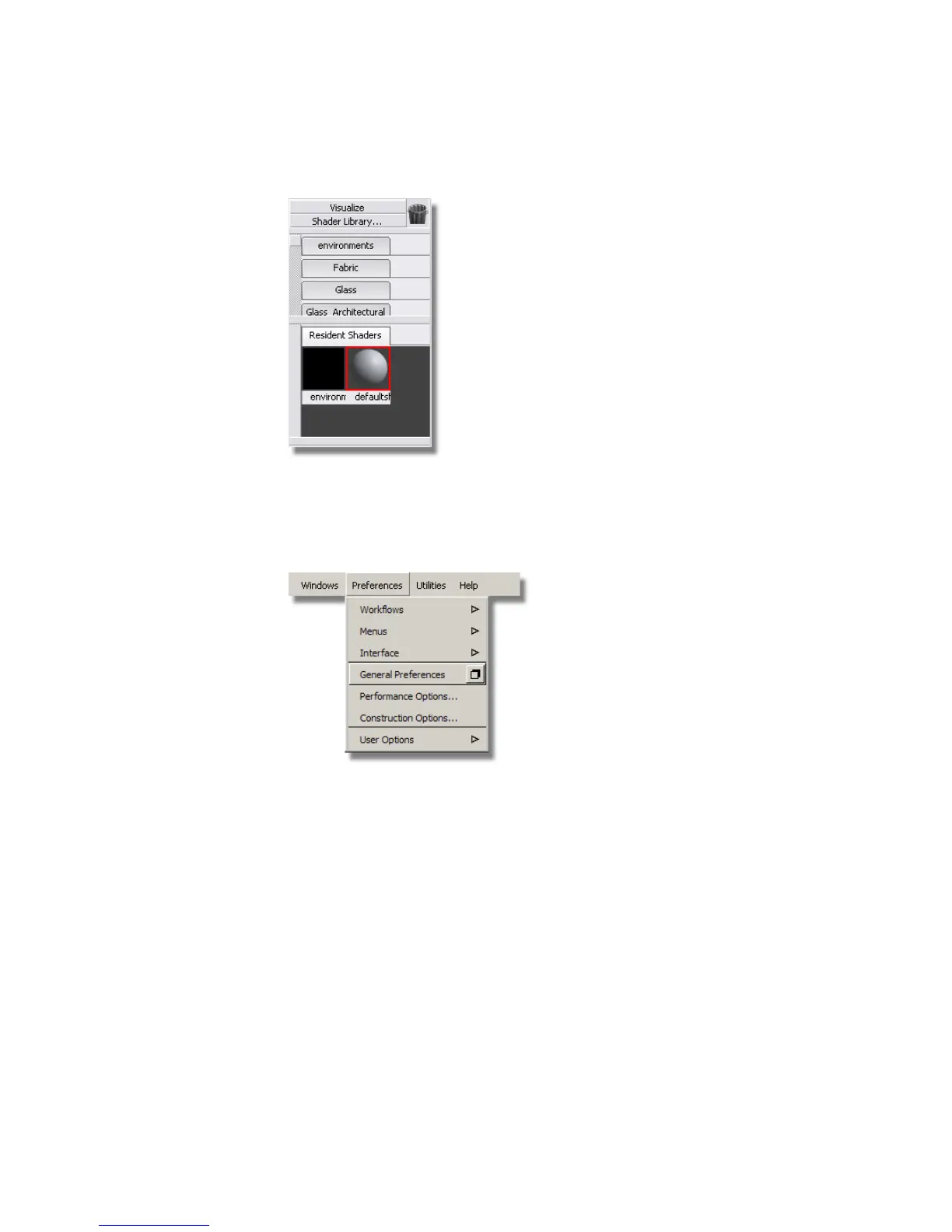
If the name of the Default Shader is not shown underneath the grey
shader ball, you can turn on the icon labels in the General Preferences.
2 Choose Preferences > General Preferences ❒ to open the preferences
window.
3 The Interface section is opened. Check the Icon labels box to turn on
the icon text.
638 | Chapter 10 Shaders and Lights



 To Next Page