Modeling Workflow
In this tutorial, you will use a modeling technique called overbuilding and
trimming. With this technique, you will create simple swept surfaces to define
the main shape of the design. You will then combine these surfaces using
intersecting and trimming.
As the vacuum cleaner design is symmetrical, you will save time by only
building and detailing one half of the model. When the design is complete,
you will copy and mirror the surfaces to create the full model.
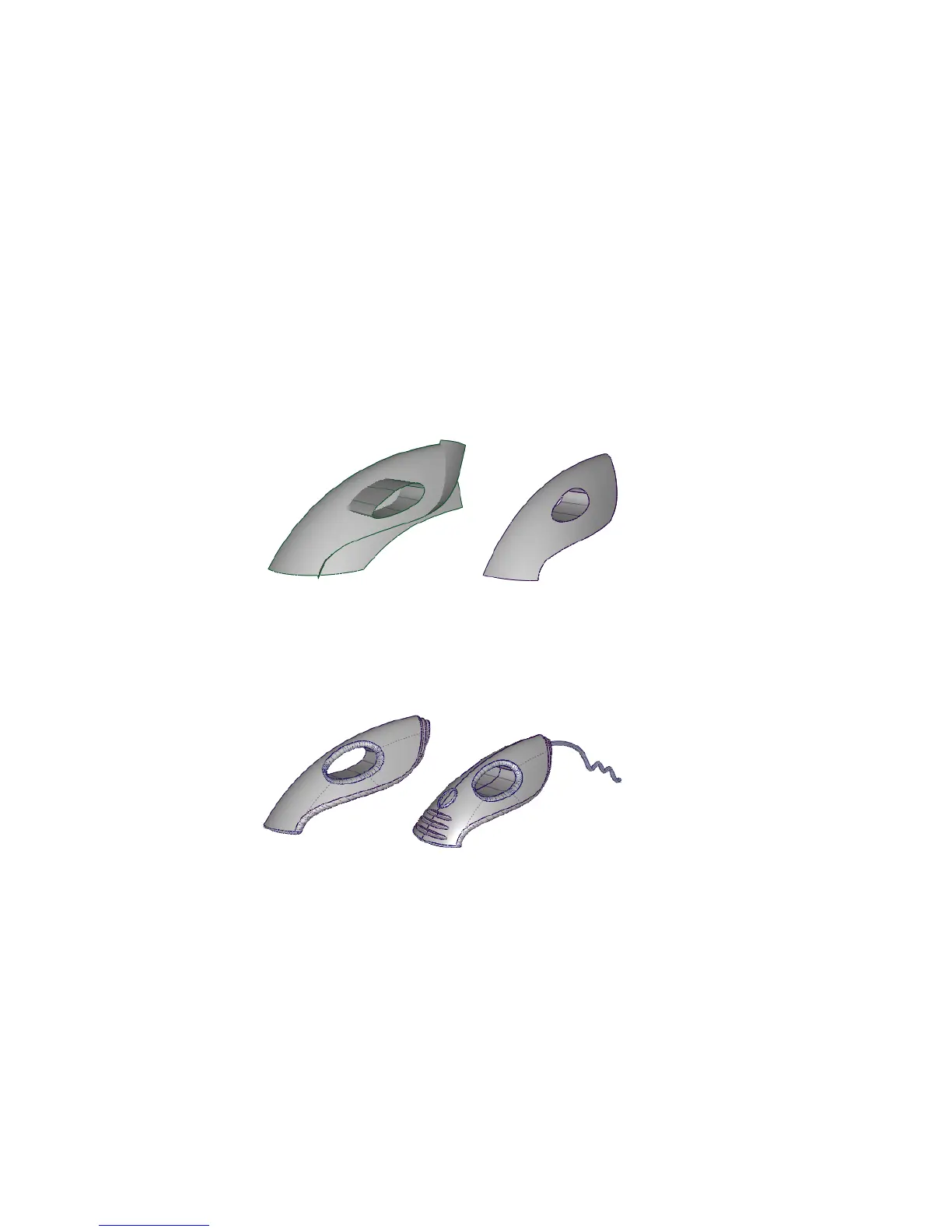
The workflow you will use to create the vacuum cleaner model is shown below.
First, you will create the main surfaces, and then intersect and trim them to
create the body shape. Throughout the tutorial, you will build one half of the
vacuum cleaner, and at the end, you will mirror the surfaces to create the
completed model.
Then, you will fillet the surfaces and add design details, further trimming the
main shape.
New tools used in this tutorial
■ Pick > Object Types > Curve on Surface
280 | Chapter 6 Modeling a Vacuum Cleaner



 To Next Page