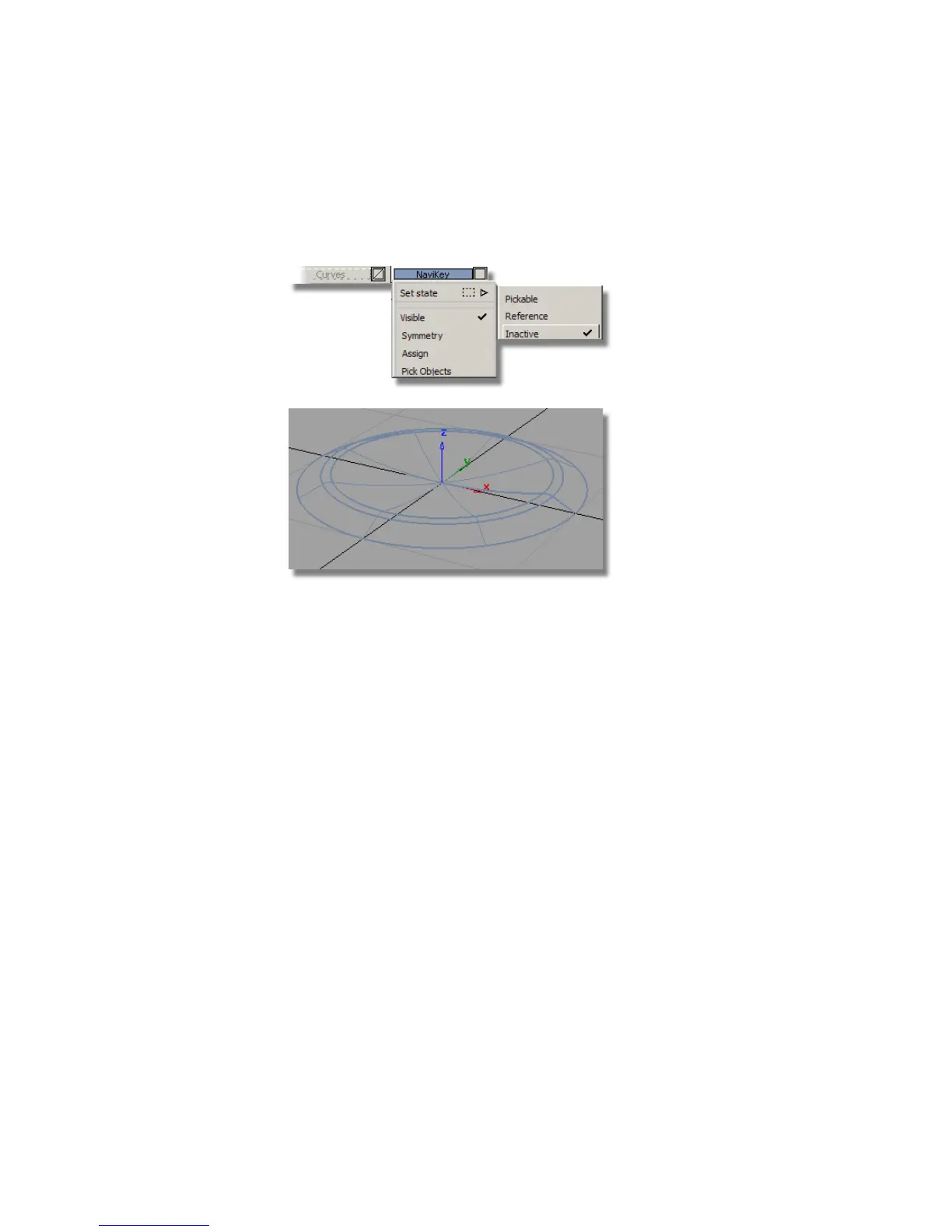
6 Choose Edit > Group to group the surfaces together to create the
navigation button.
Assign the grouped surfaces to the NaviKey layer, and make it inactive.
Assign the curves to the Curves layer.
Saving your work
Save your work in the wire directory of the Lessons project. Name your file
myMP3Player5.wire.
Part 6: Control Button
There are four Control Buttons, so you will start by creating only one, and
then later duplicate it to create the other three.
Each button is symmetrical, so to save time, you will only build one half of
one button, and use mirroring to create the other half.
The dimensions for the buttons are shown below.
470 | Chapter 7 Modeling an MP3 Player



 To Next Page