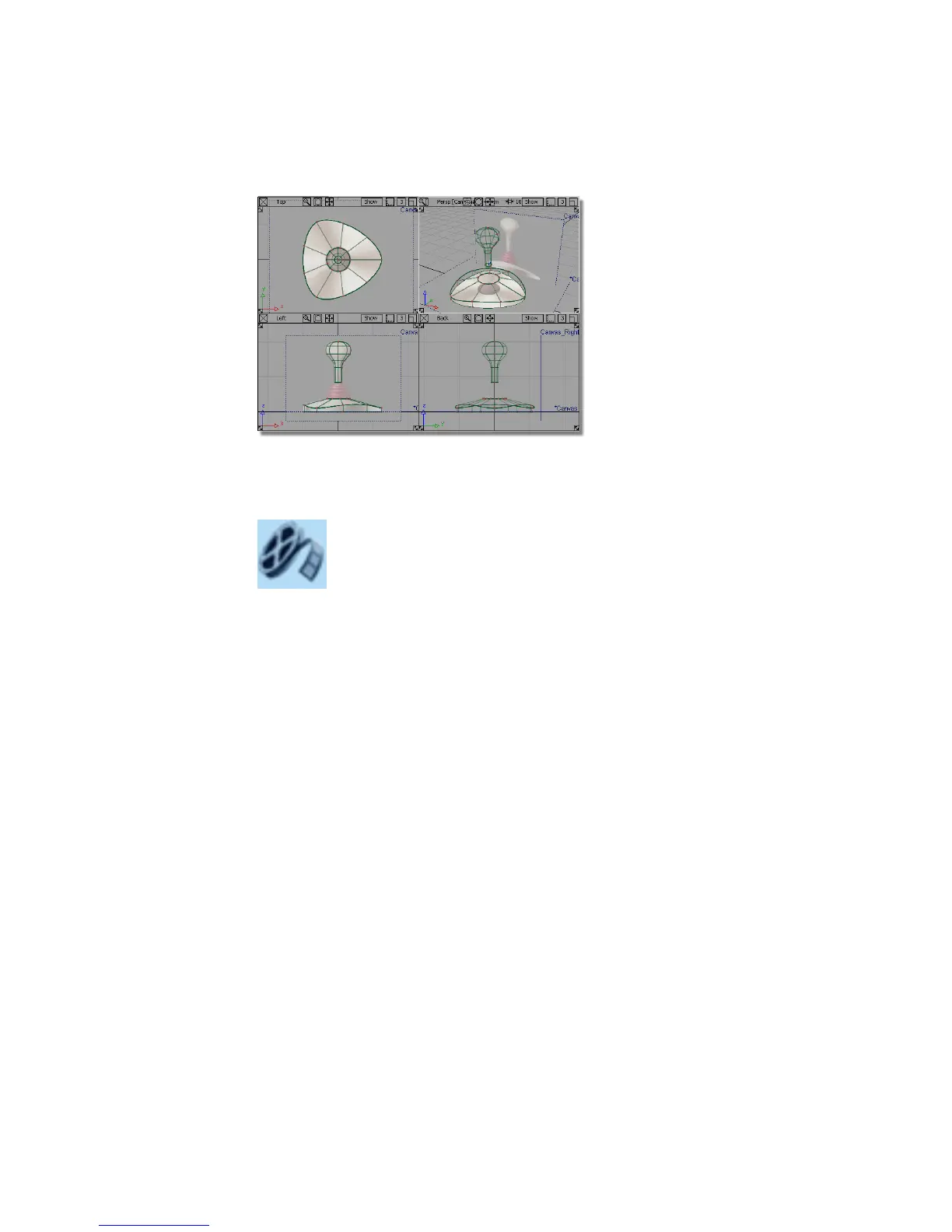
If you were not successful in part 2, open the file called joystick_part3.wire,
located in the wire directory of the CourseWare project. This file contains the
completed model from Part 2.
Watch Part 3 of the tutorial.
Creating the zig-zag curve
To create the profile for the sleeve, you will first create a simple curve across
the gap between the handle and the base. Then, you will increase the number
of CVs in the curve so a detailed zig-zag shape can be created.
1 Choose Layouts > Left or F6 to maximize the Left view.
200 | Chapter 5 Modeling a Joystick



 To Next Page