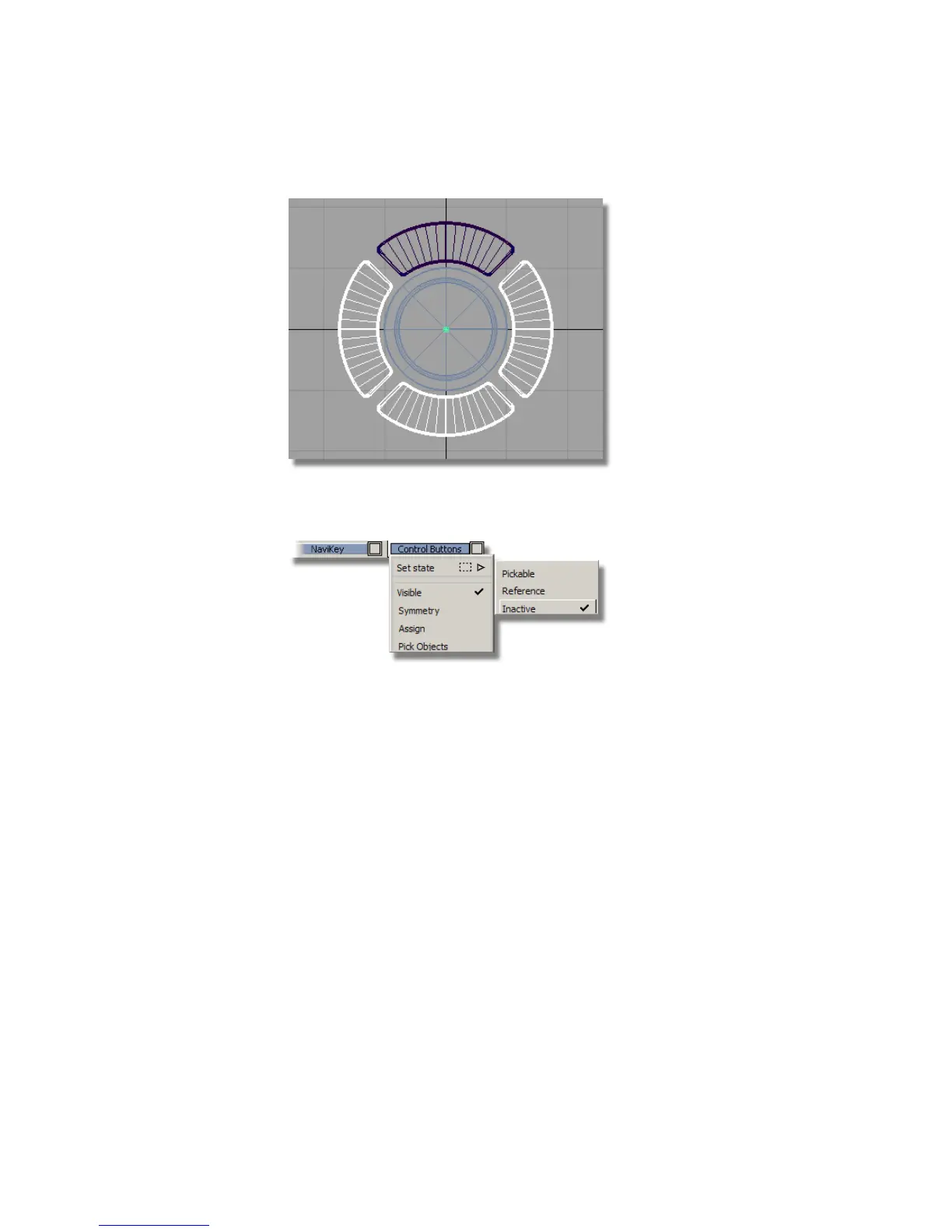
9 Make sure that all the buttons are on the Control Buttons layer, and set
the layer to inactive.
Positioning the Buttons
Now you will move the buttons into their correct location, centered on the
lower part of the Front Casing.
1 Maximize the Perspective window.
498 | Chapter 7 Modeling an MP3 Player



 To Next Page