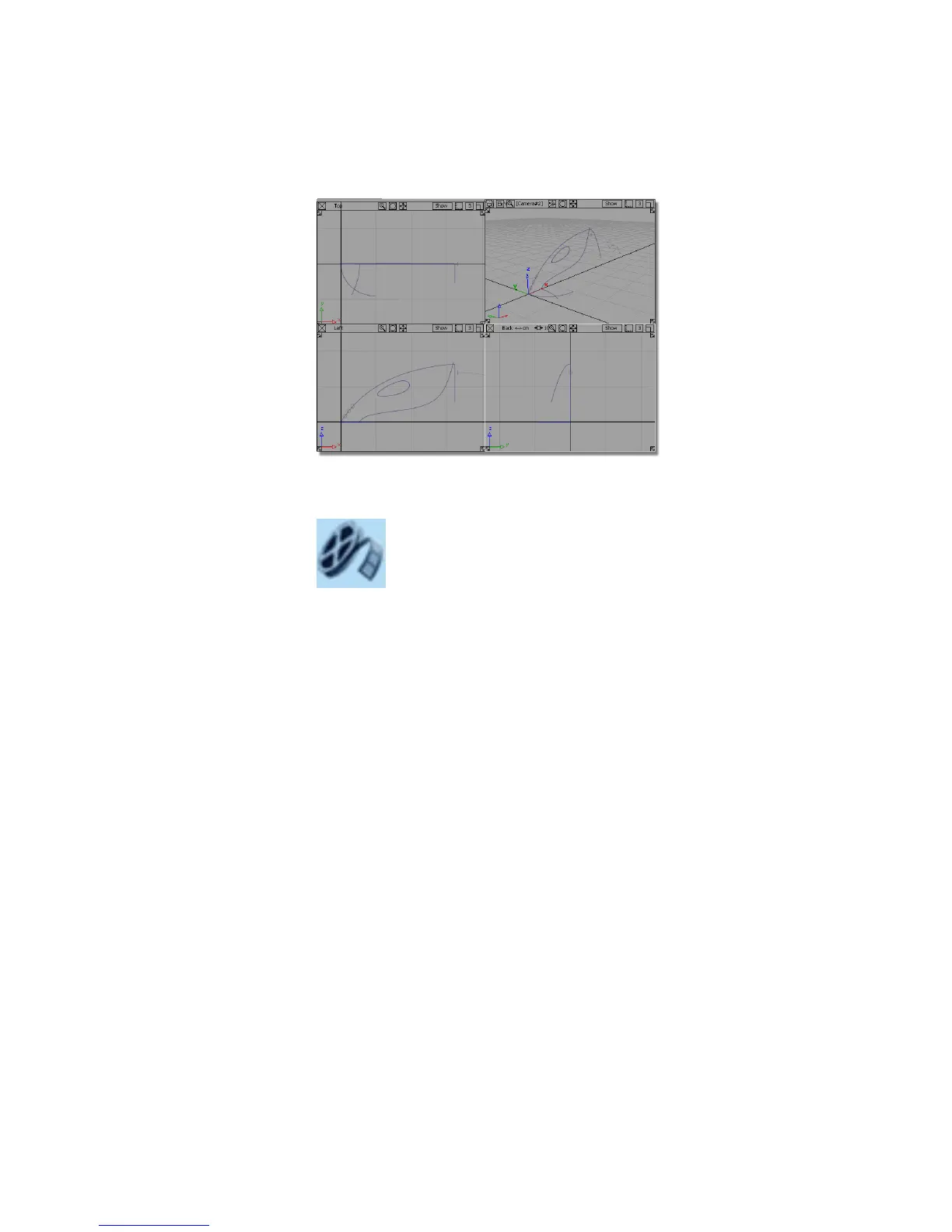
If the modeling views do not occupy the full size of the Alias window,
choose Layouts > All Windows > All Windows .
Watch Part 1 of the tutorial.
Creating the lower surface
You will start by creating the lower body shape using a mono-rail surface.
1 Maximize the Perspective view.
Part 1: Creating Primary Surfaces | 283



 To Next Page