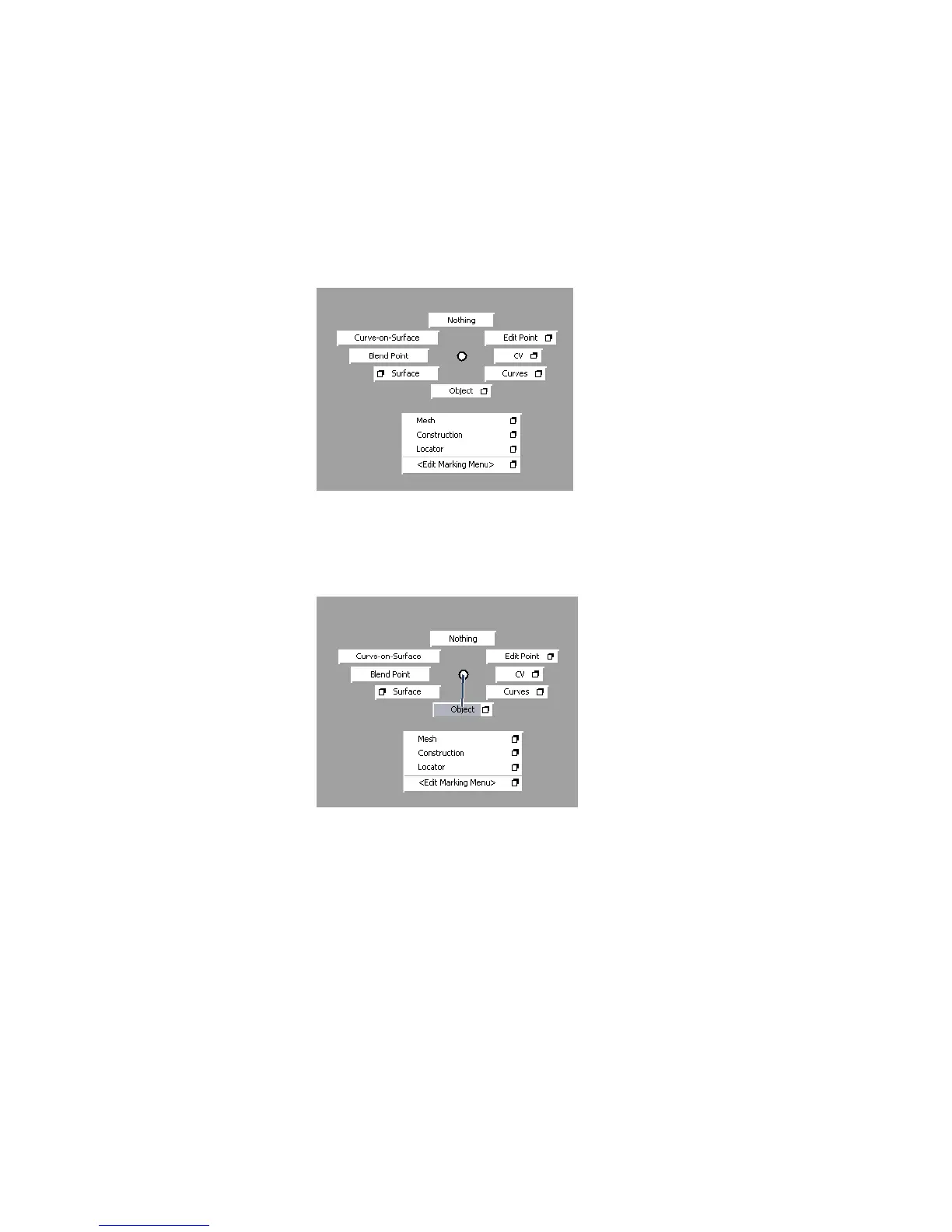
To choose common tools with marking menus
1 Hold down the Shift and Ctrl (Windows) or Shift and Control (Mac) keys.
2 With the keys held down, hold the left mouse button.
The left mouse button marking menu appears at the location of the mouse
pointer.
3 Keep the left mouse button held down and drag down until the Pick >
Object box is highlighted.
A thick black line shows the direction of the mouse pointer.
4 Release the mouse button to choose the highlighted tool.
The Pick > Object tool is now the current tool.
5 Hold Shift and Ctrl (Windows) or Shift and Control (Mac) with the middle,
then with the right mouse buttons to see the other marking menus.
Each mouse button has a separate marking menu.
Using and Customizing Marking Menus | 49



 To Next Page