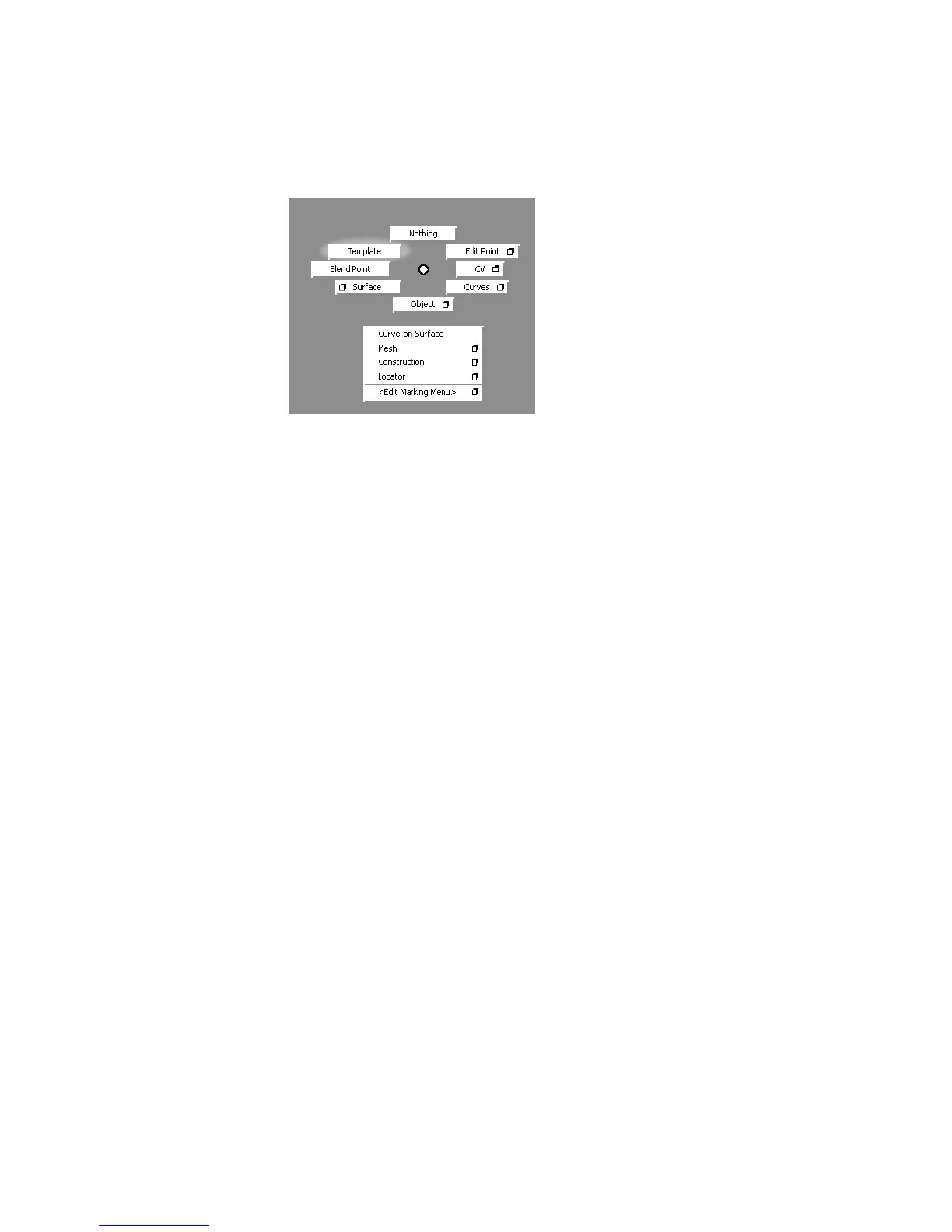
You now know how to customize the marking menus. In later lessons, you
will load pre-made marking menus with common surfacing tools.
Using hotkeys
Hotkeys are special key combinations that choose tools or perform menu
commands. You can get a complete listing of all the hotkeys in the hotkey
editor.
To use hotkeys
1 On the Preferences menu, click Interface and choose Hotkeys/Menu
Editor.
The hotkey editor appears.
54 | Chapter 3 Interface Basics



 To Next Page