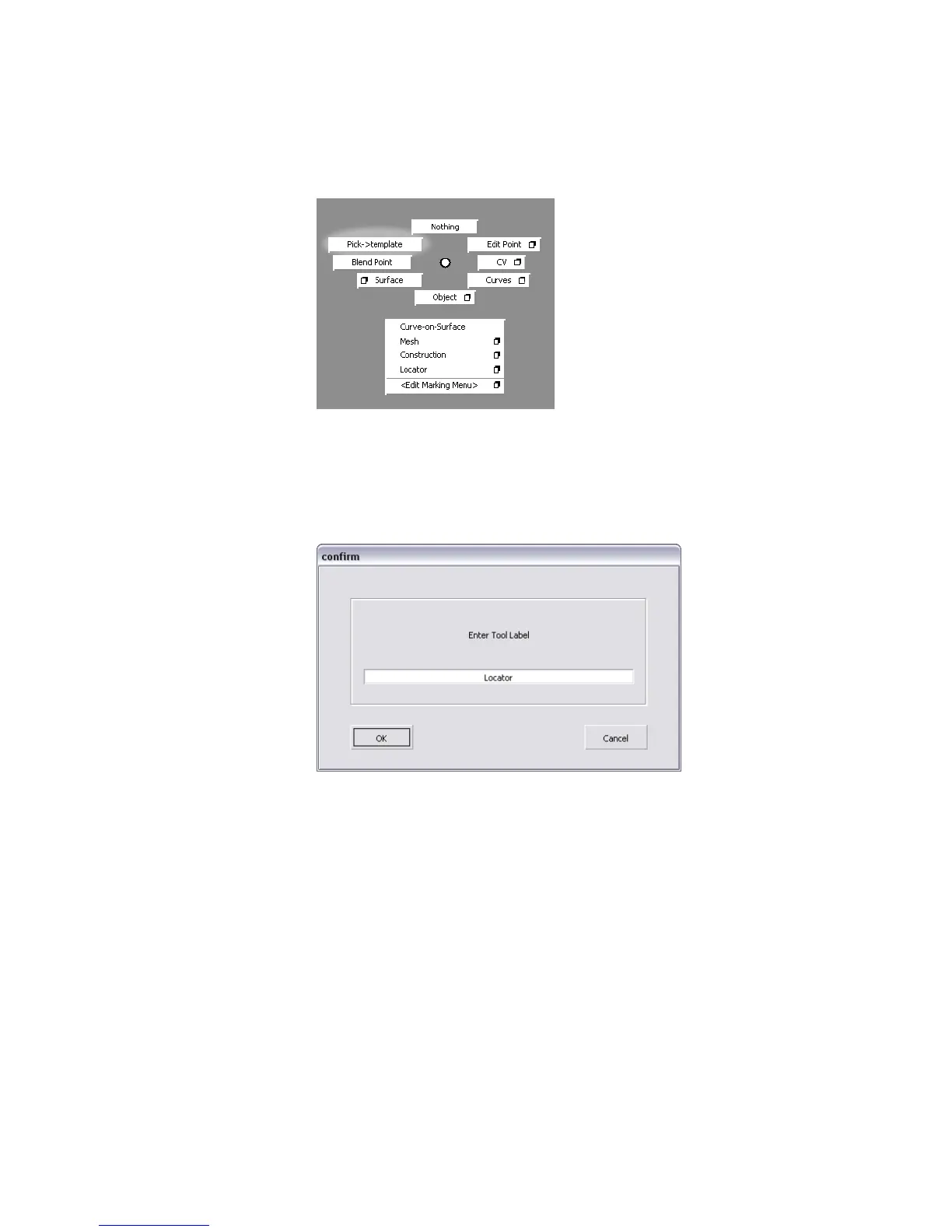
The tool you just added is called Pick > Template in the marking menu.
Change the name to something more concise.
6 In the MarkingMenu shelf window, hold down the Ctrl (Windows) or
Control (Mac) key and double-click the Pick Template tool in the shelf.
7 A dialog box appears.
8 Type Template in the text field and click OK to rename the tool in the
marking menu.
9 Show the left mouse button marking menu again.
Using and Customizing Marking Menus | 53



 To Next Page