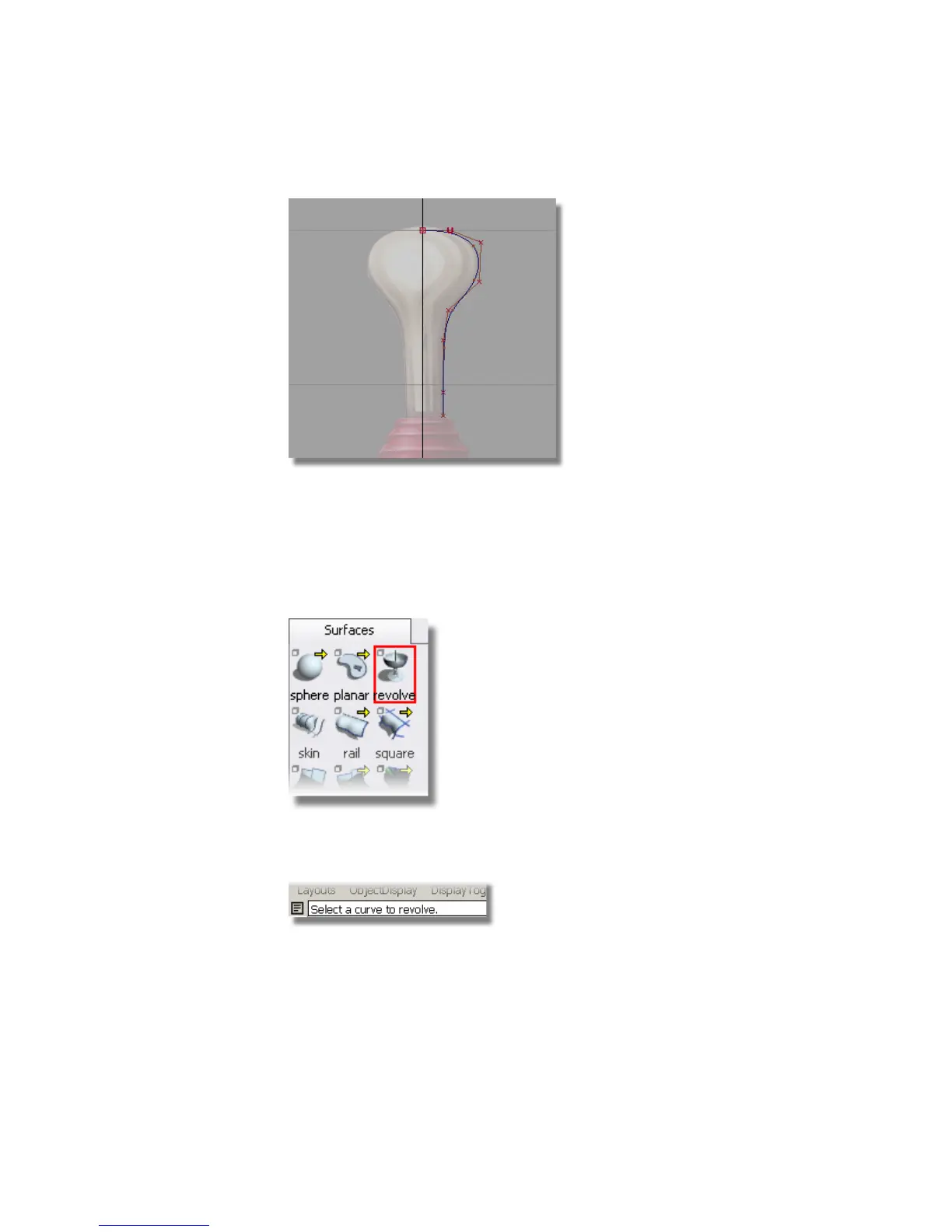
Revolving the handle profile curve
Next, you will revolve the profile curve to create a surface for the joystick
handle.
1 Choose Surfaces > Revolve .
In the prompt window, which is just below the menu bar, you are
prompted to select a curve to revolve.
2 Click on the profile curve to select it.
166 | Chapter 5 Modeling a Joystick



 To Next Page