Shaders and Lights
Learning objectives
In this tutorial, you will learn how to create shaders and lights, and use Hardware Shade to
create rendered images of your design.
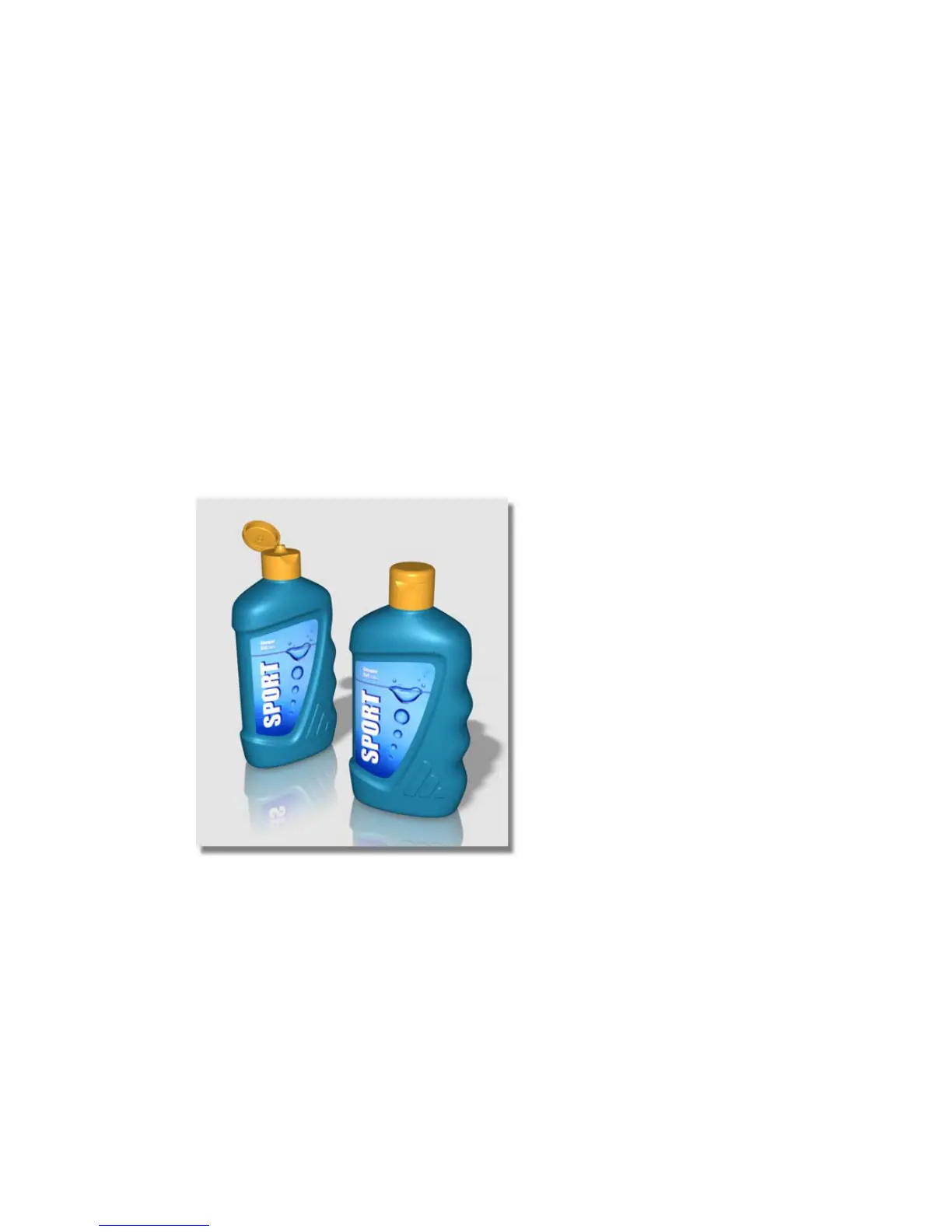
To complete this tutorial, you will be supplied with a scene of two plastic bottles.
New tools used in this tutorial
■ Window Display > Hardware Shade
■ Render > Multi-lister > Lights
10
631



 To Next Page