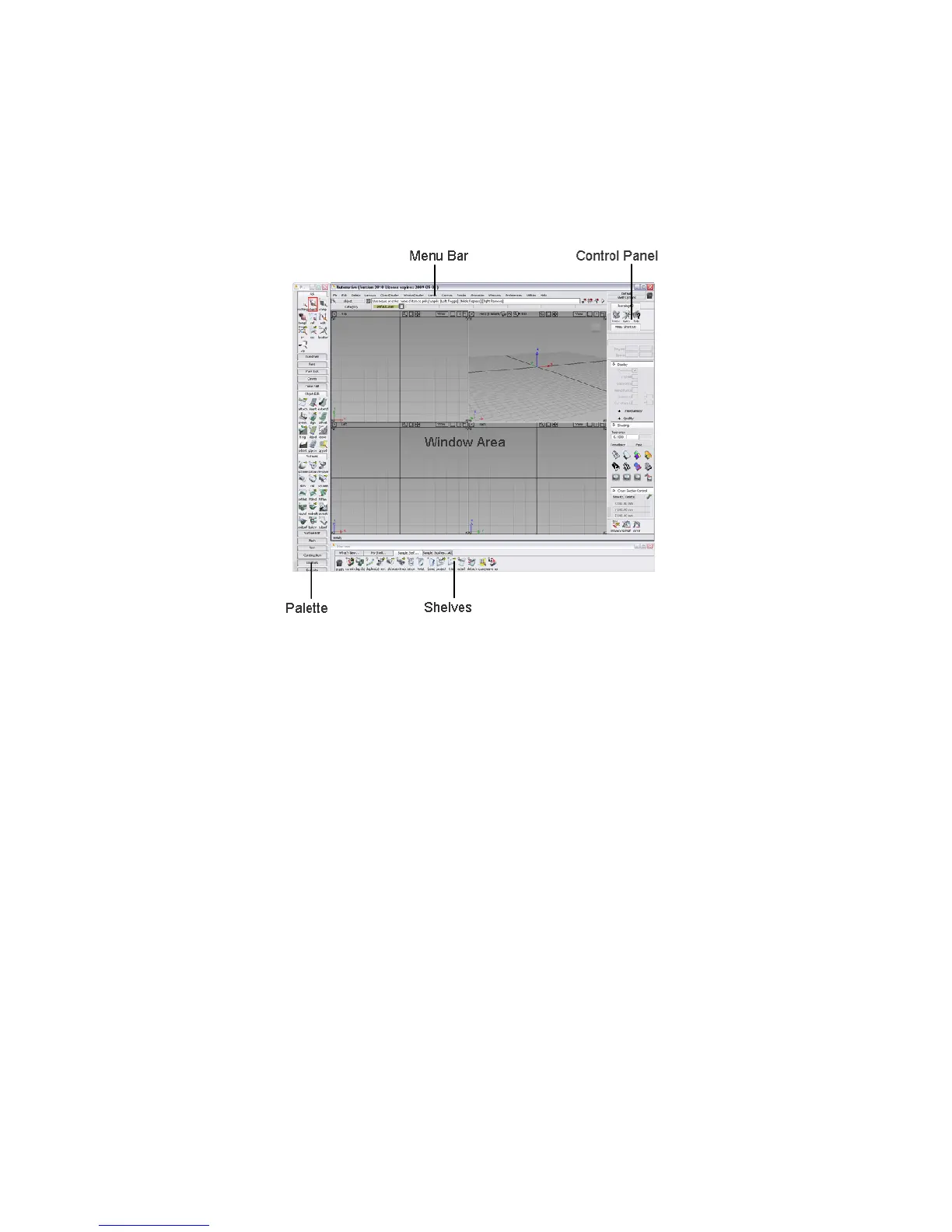
Overview of the Alias Interface
The main parts of the Alias interface are:
■ the Palette (location can be customized)
■ the Menu Bar, located at the top
■ the Window Area, taking up most of the interface and located in the
middle (this area may or may not contain view windows when you first
start Alias).
■ the Shelves (location can be customized)
■ the Control Panel, located on the right
If the Palette or Shelves are not visible, choose Windows > Palette... or
Window > Shelves... from the Menu Bar.
The position of the Palette and Shelves can be customized from the options
in Preferences > Interface > Palette/Shelves Layout ❒. In the following tutorials,
we will work with the Palette on the Left and the Shelves on the Bottom
Overview of the Alias Interface | 17



 To Next Page