In Software rendering (Render > Render ), shadows will be accurately calculated
as the light falls on the geometry. So, for example, you will need to create a
floor surface for shadows to be cast onto a floor.
Lighting your Scene
Now, you will apply these concepts to the lighting in your scene.
The initial Hardware Shade settings use a preset lighting option, which
only gives you limited control over lighting in the scene.
Instead, you will use the default lights listed in the Multi-lister to light the
scene. This will give you complete freedom to adjust the lights and shadows.
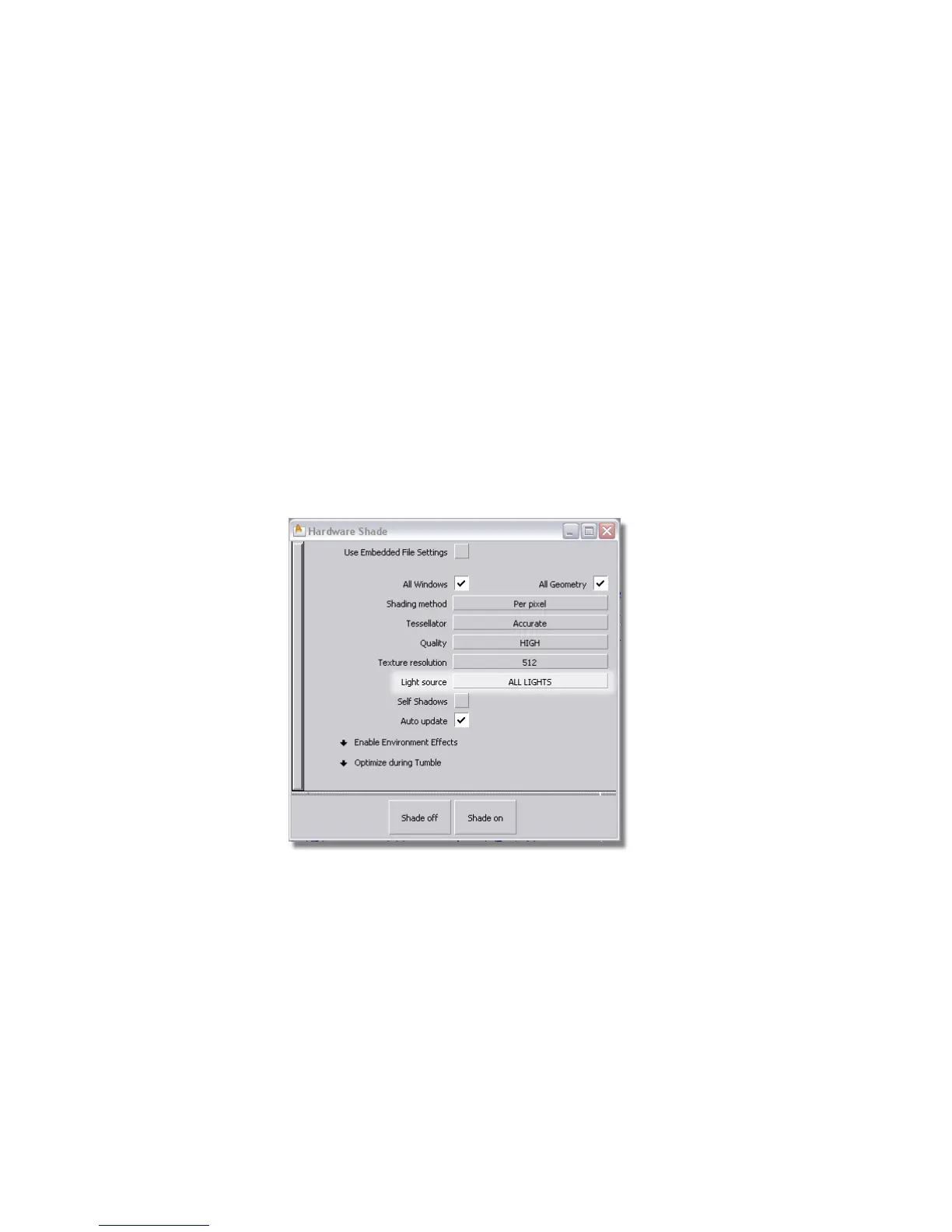
First, you will modify the Hardware Shade options to display the effects of
the default lights in the scene.
➤ Choose WindowDisplay > Hardware Shade ❒ to open the option window.
In the Light source option of the Settings, choose ALL LIGHTS.
The lighting on your model changes, showing the effect of the Default
lights in the Multi-lister.
In Enable Environment Effects, turn on Ground Plane.
Click Shade on.
660 | Chapter 10 Shaders and Lights



 To Next Page