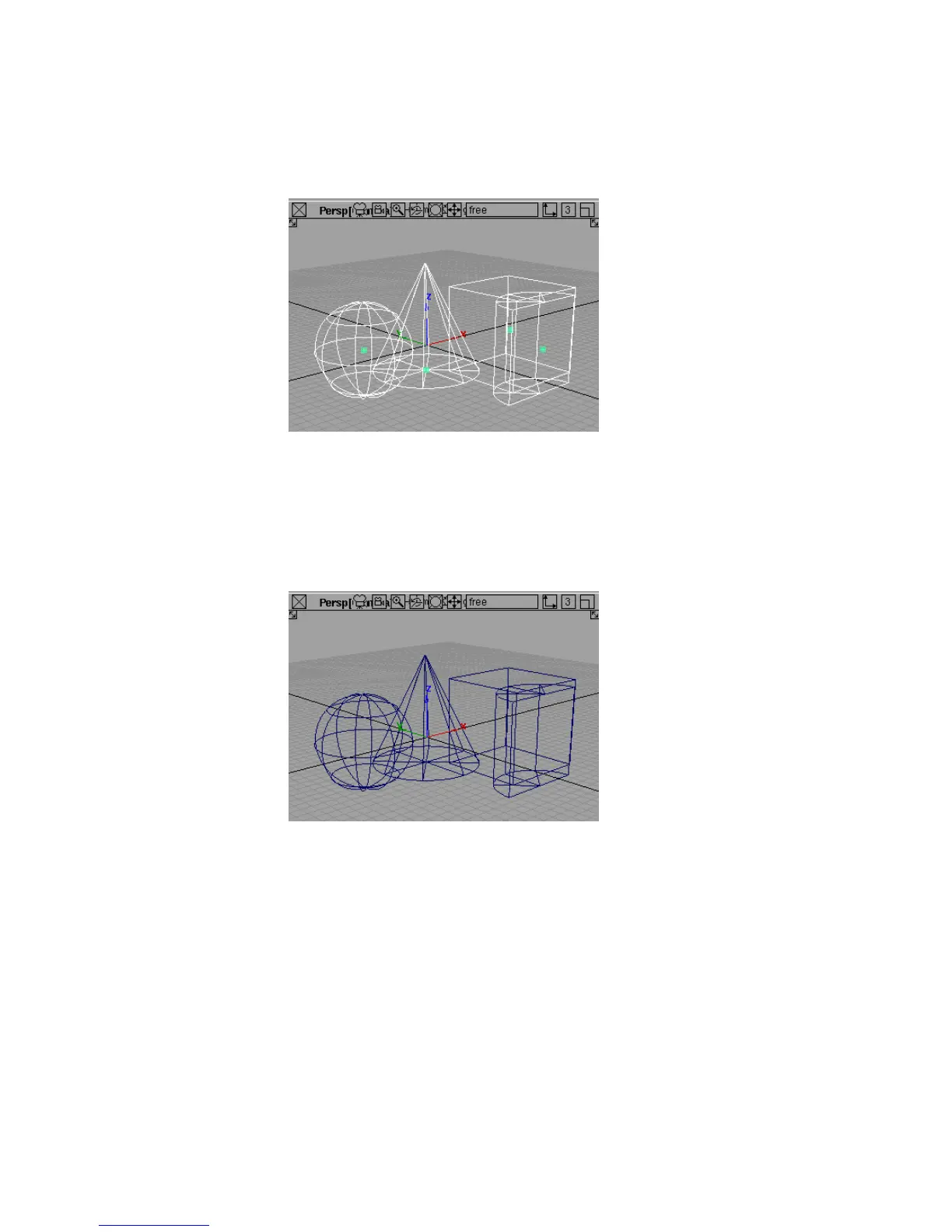
Unlike most selection tools, Pick > Object Types > All Objects/Lights
does not stay selected, since you never need to use it twice in a row.
When these momentary types of tools finish, the current tool reverts to
the last continuous tool you selected.
3 In the Pick palette, choose the Nothing tool.
4 The Pick > Nothing tool unpicks every object, leaving nothing picked.
Like the Pick > Object Types > All Objects/Lights tool, the Pick >
Nothing tool does not stay selected. The current tool reverts to the last
tool you used.
To pick and unpick individual objects
1 Choose the Pick > Object tool.
34 | Chapter 3 Interface Basics



 To Next Page