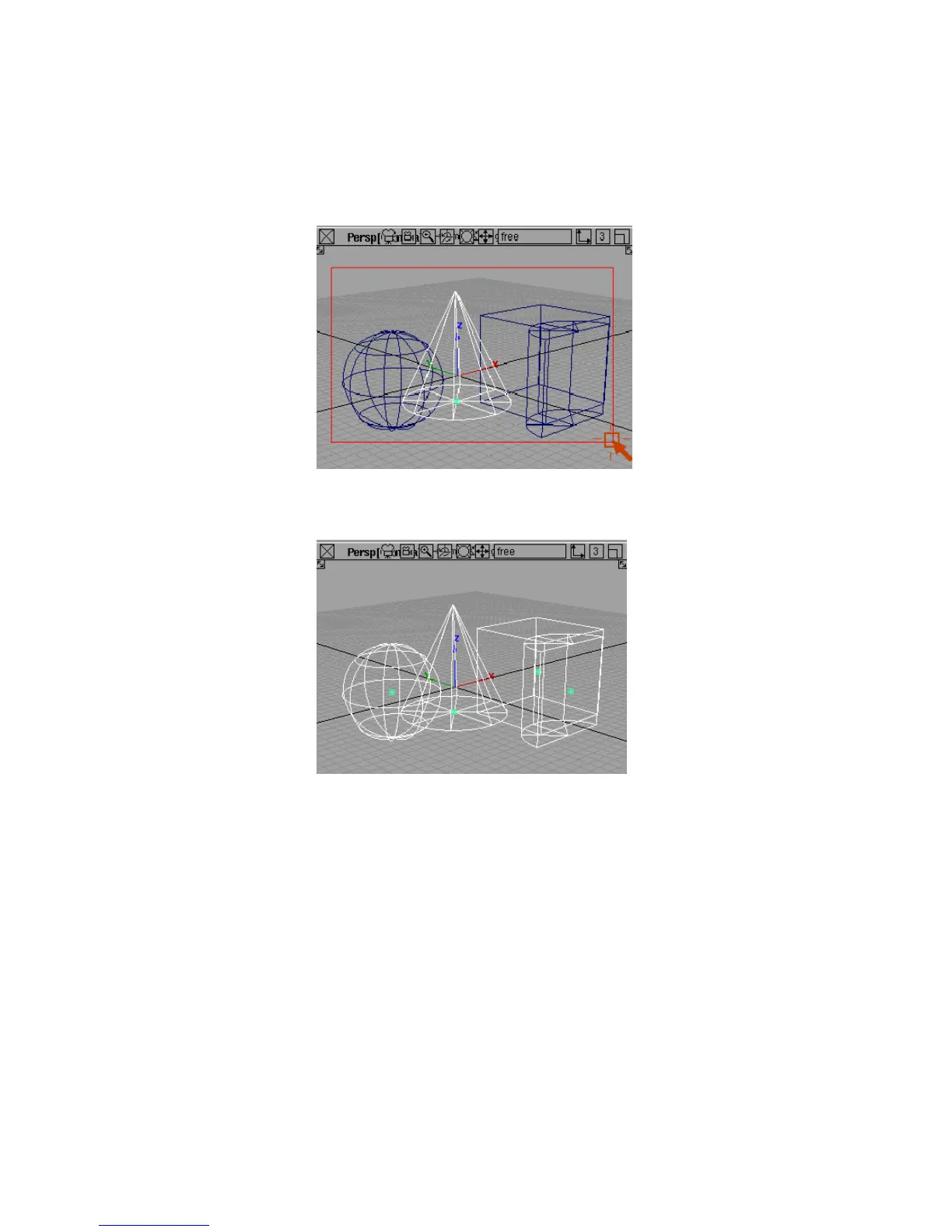
2 Click the cone primitive in the view windows with the left mouse button.
The cone highlights to show it is picked.
3 Click the other objects with the left mouse button. They also become picked.
4 With all the objects picked, click one of the picked objects with the left
mouse button.
Picking and Unpicking Objects | 35



 To Next Page