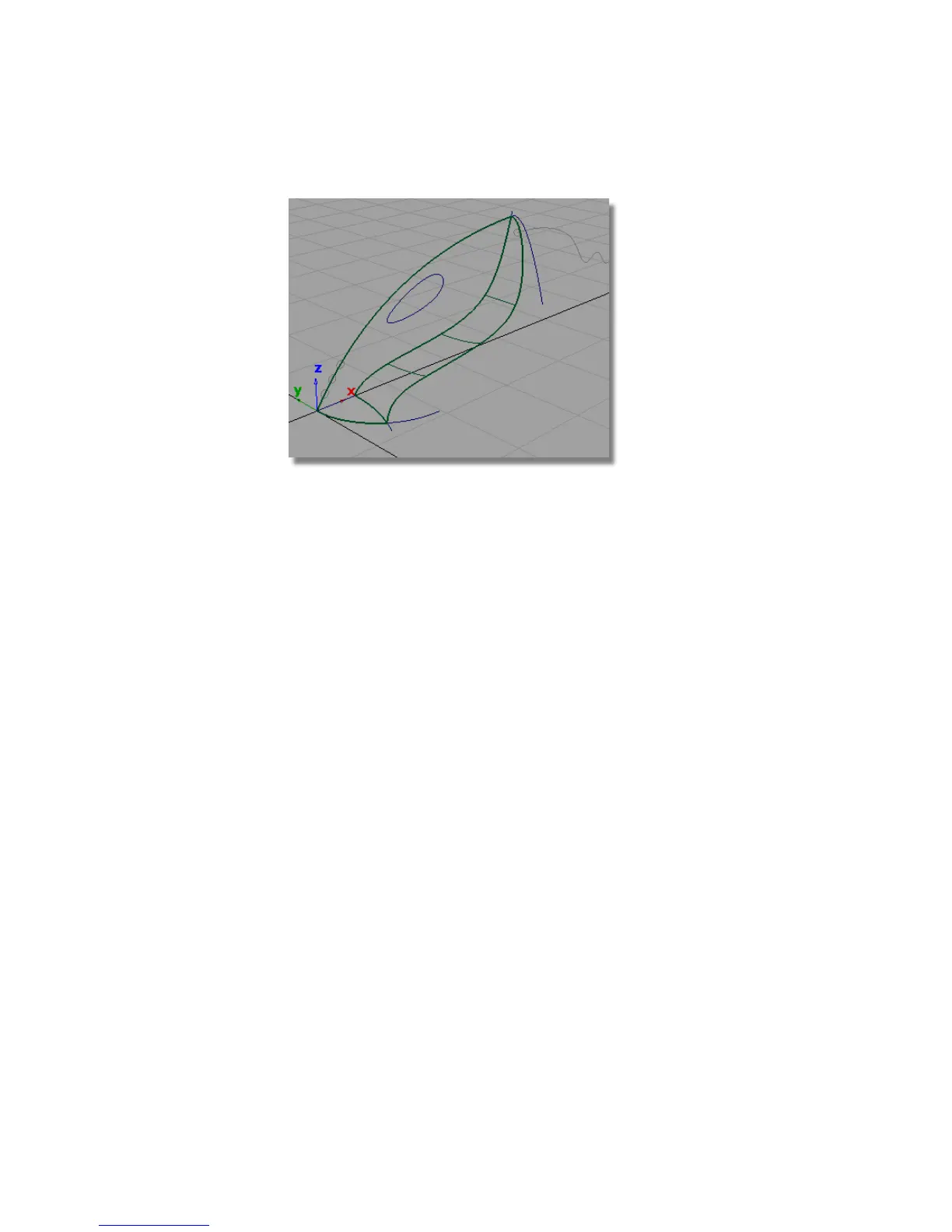
Creating the nozzle surface
Next, you will create a planar surface across the mouth of the nozzle, to
complete the exterior shape of the vacuum body.
1 1 Choose the Surfaces > Planar Surfaces > Set Planar tool.
2 You are prompted to select a curve.
3 Click the straight-line curve along the center grid line to select it as the
first curve for the planar surface.
304 | Chapter 6 Modeling a Vacuum Cleaner



 To Next Page