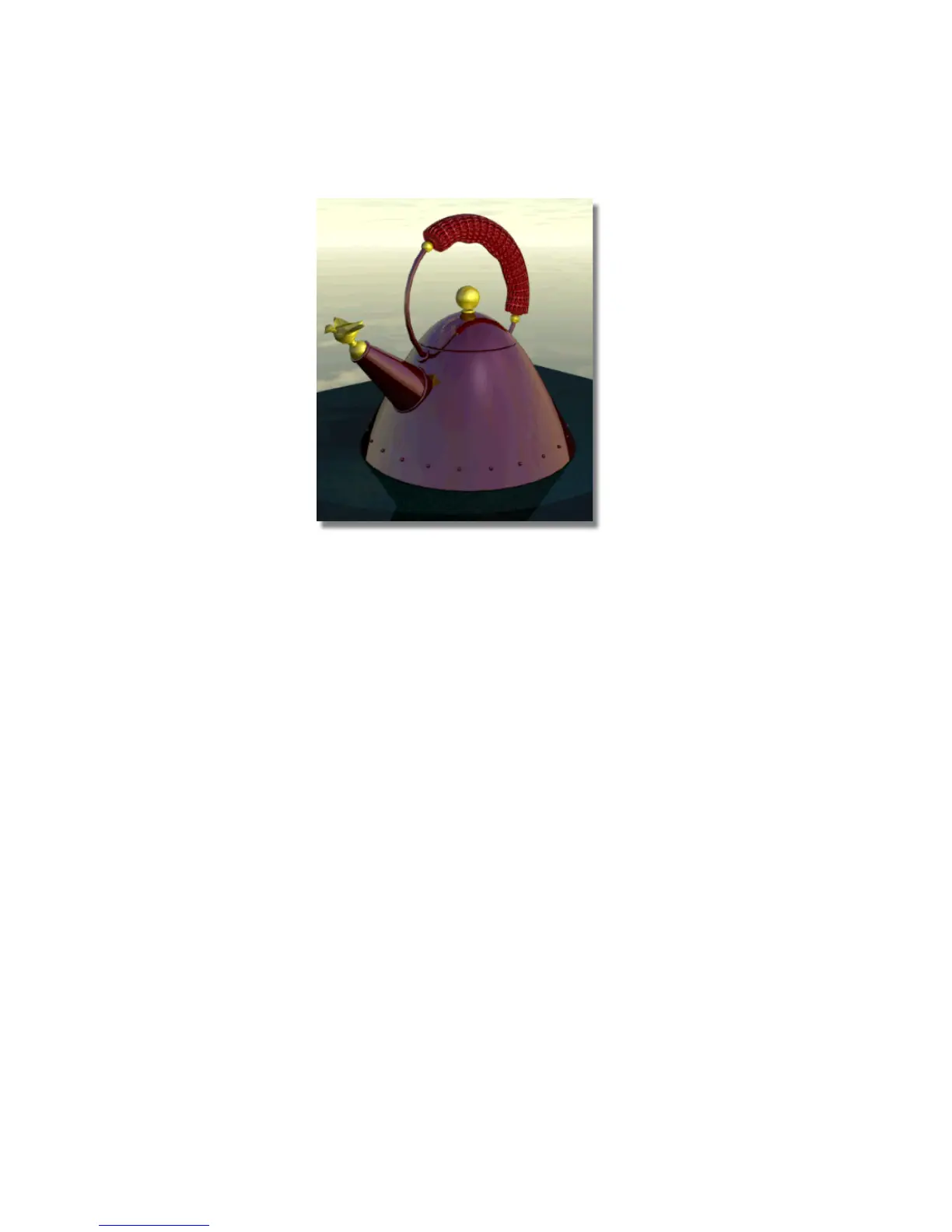
The teakettle is red, as opposed to gray. The reflectivity of the teakettle
in the new render is very high, like a perfect mirror. The tabletop is not
as reflective as it was in the previous render.
Save your work
1 Save your work in the wire file of the Lessons directory.
2 Name your file myadv_rend5.wire.
Conclusion
Congratulations! You have completed this rendering tutorial.
You now know how to:
■ improve the quality of a final render by adjusting variables in the Render
Globals window
■ create a background environment, specifically a cloudy sky at noon
■ create a solid three-dimensional texture (granite)
Conclusion | 727



 To Next Page