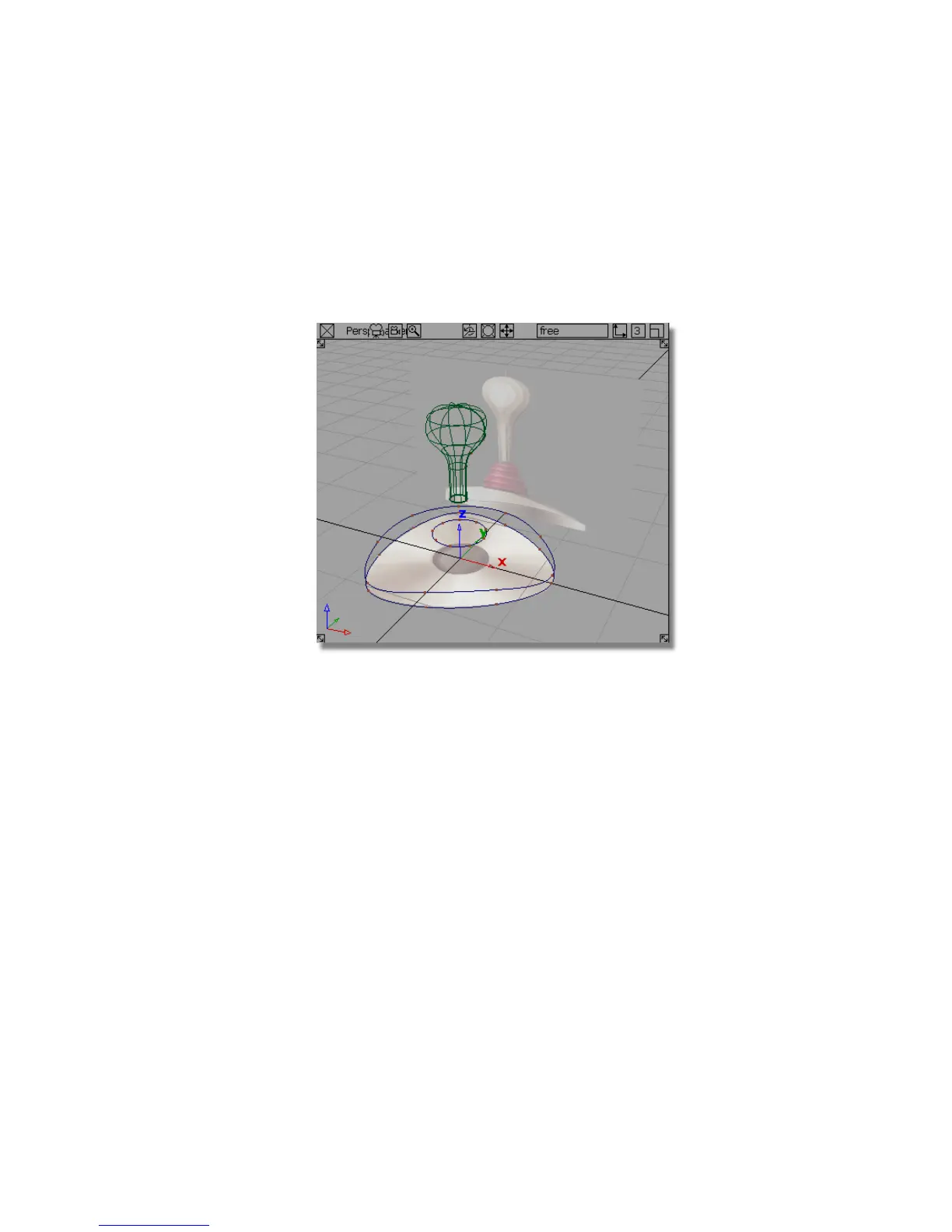
Creating the base surfaces
Next, you will create the surfaces for the base using the Skin and Planar
surfaces surface tools. First, you will create the side wall of the base using a
skin surface.
1 Choose Layouts > Perspective or F8 to maximize the perspective view.
2 Choose Surfaces > Revolve .
3 You are prompted to select the first curve.
4 Select the first triangular curve you created at the bottom of the base.
Part 2: Creating the Joystick Base | 191



 To Next Page