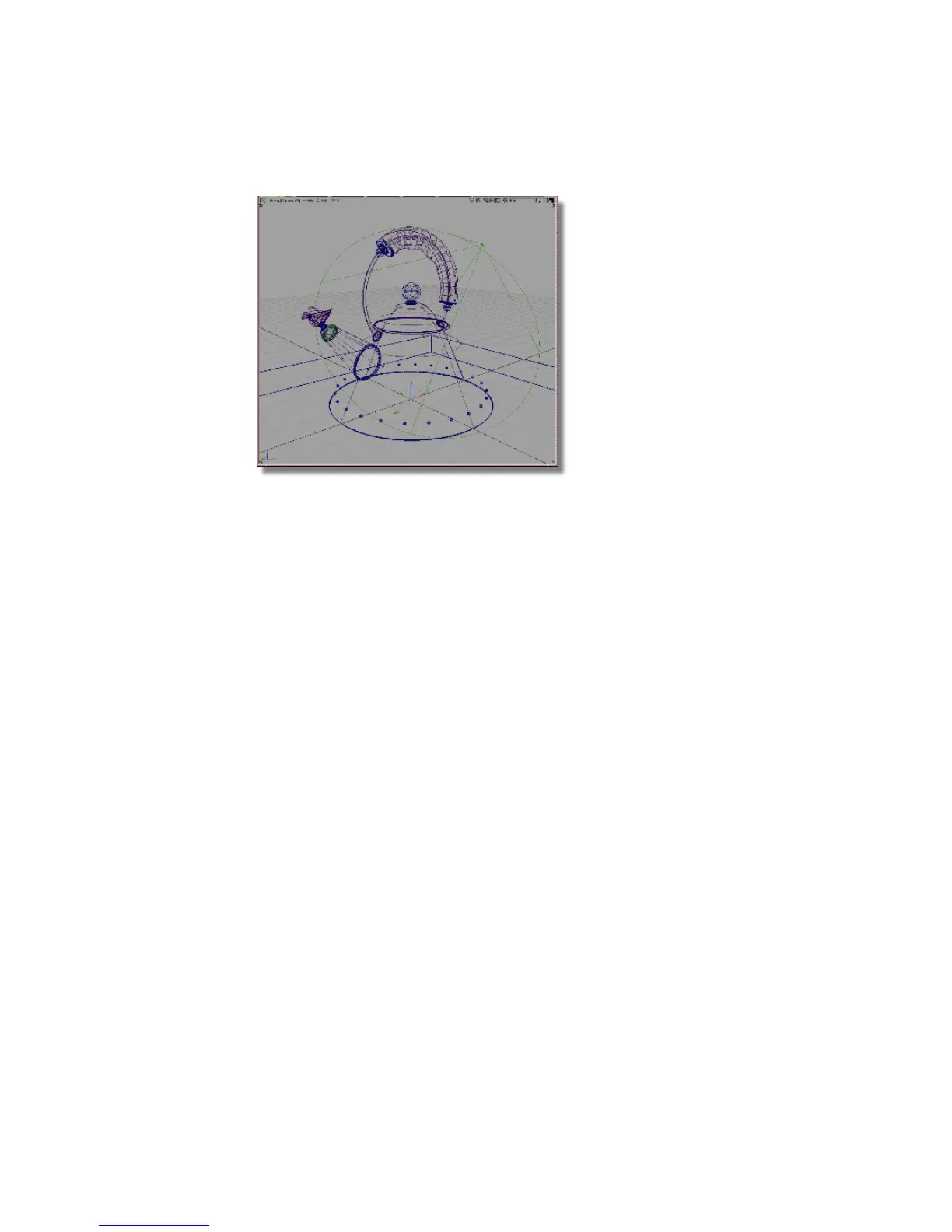
Rendering the scene
1 Choose Render > Render. The file browser opens.
2 In the File Browser, go to the Lessons project. Set the Lessons project as
the Current Project.
3 In the Lessons project, open the pix directory.
4 Type render3 in the Object name field (Windows) or Save As field
(Mac), then press Enter (Windows) or Return (Mac) or click the Save
button.
686 | Chapter 11 More rendering



 To Next Page