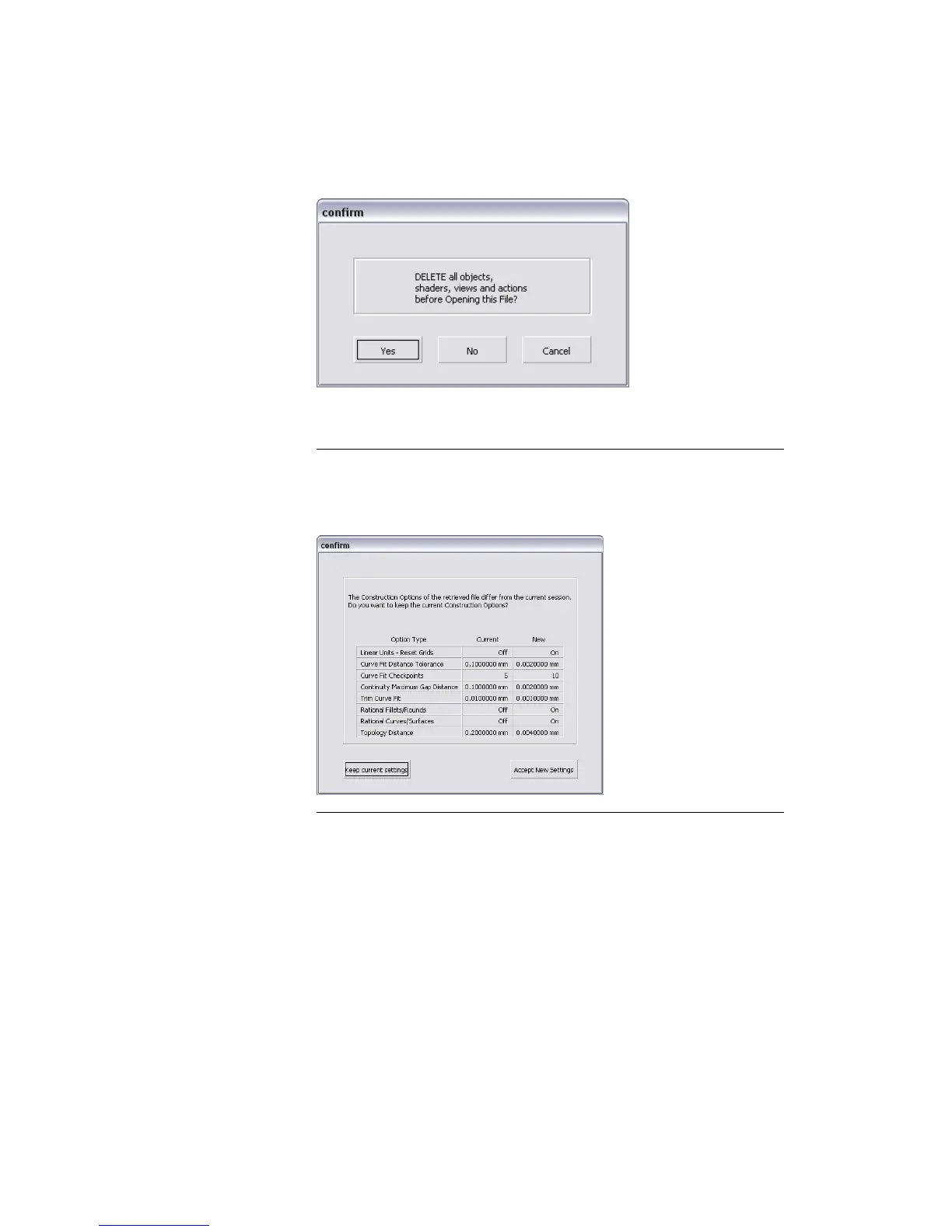
A dialog box appears, asking if you want to delete all objects, shaders,
views, and actions. Click Yes.
NOTE If your values for construction tolerances differ from those in the
more_rend.wire file, you will be presented with a dialog. Click Accept New
Settings to use the construction tolerances in more_rend.wire. The file is
opened.
Part 1: Editing the Render Globals parameters | 685



 To Next Page