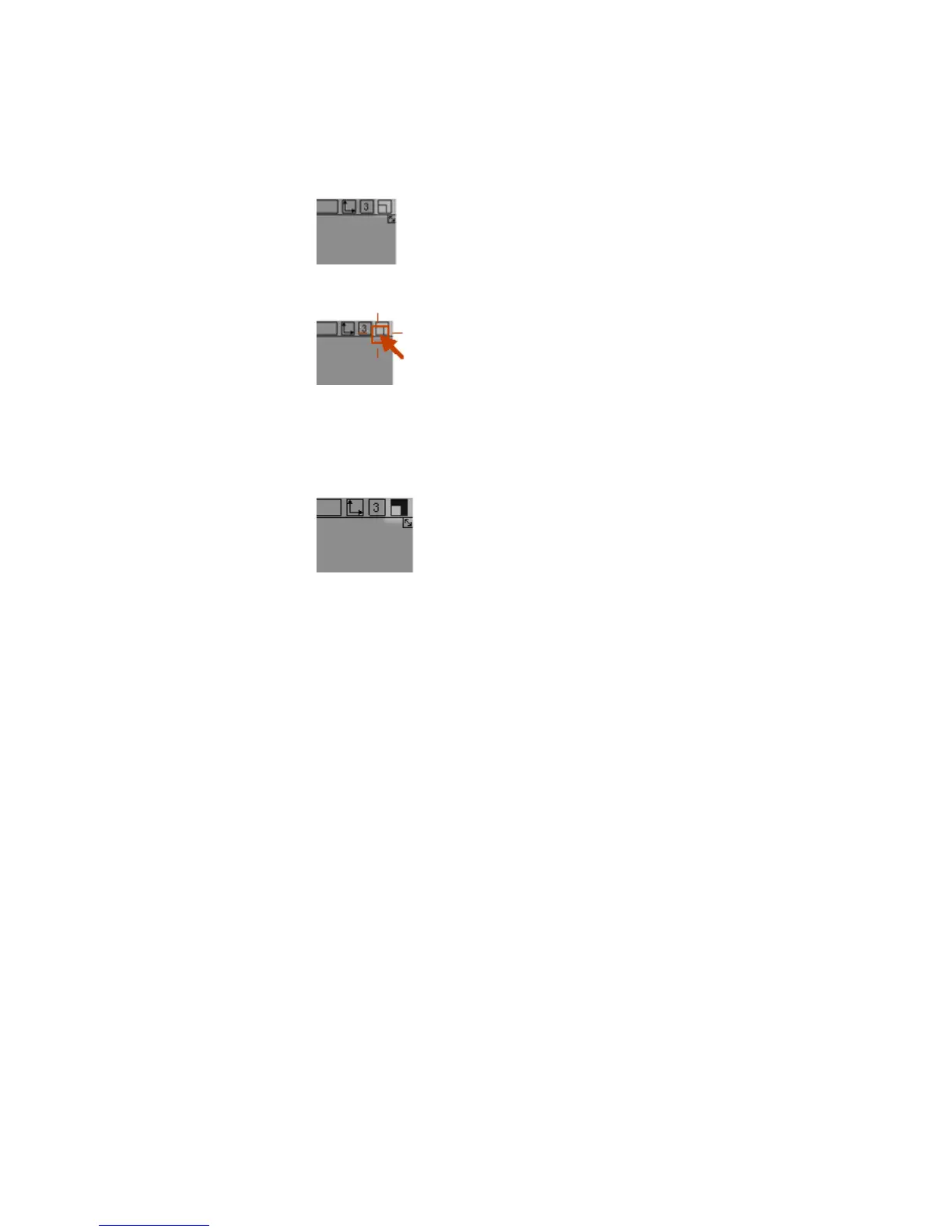
6 Click the maximize box of the view window.
The view expands to fill the entire screen.
Notice that the maximize box changes to black to show the window is
maximized.
7 Click the maximize box again to return the view window to normal size.
Moving Windows
To move and arrange the remaining windows
1 Find a view window’s title bar.
The title bar is the area at the top of the window, between the close box
and the other icons on the right.
2 Drag the title bar. An outline of the view window follows the mouse.
Arranging Windows | 23



 To Next Page