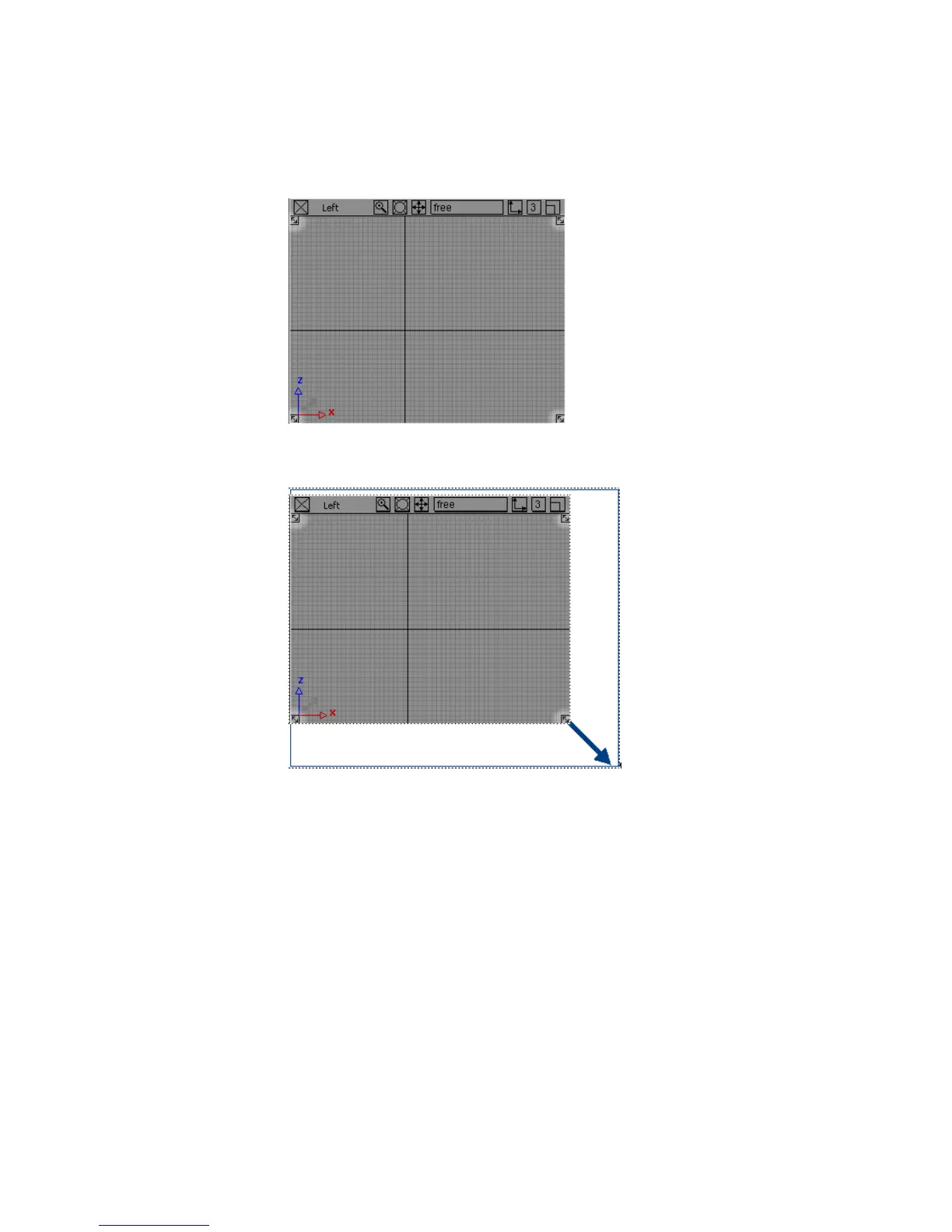
2 Drag a resize arrow to change the size of the window. An outline of the
view window follows the mouse.
3 Release the mouse button. The corner of the window snaps to the new
size.
4 Try dragging the resize corners in the other corners to see how they resize
the window.
■ To work in one large window to see more detail, use the maximize
box to temporarily make the view window fill the entire screen.
5 Find the maximize box in the upper right corner of a view window.
22 | Chapter 3 Interface Basics



 To Next Page