Creating the power button hole
Next, you will use the Surface Fillet tool to trim and round the edge of the
power button recess.
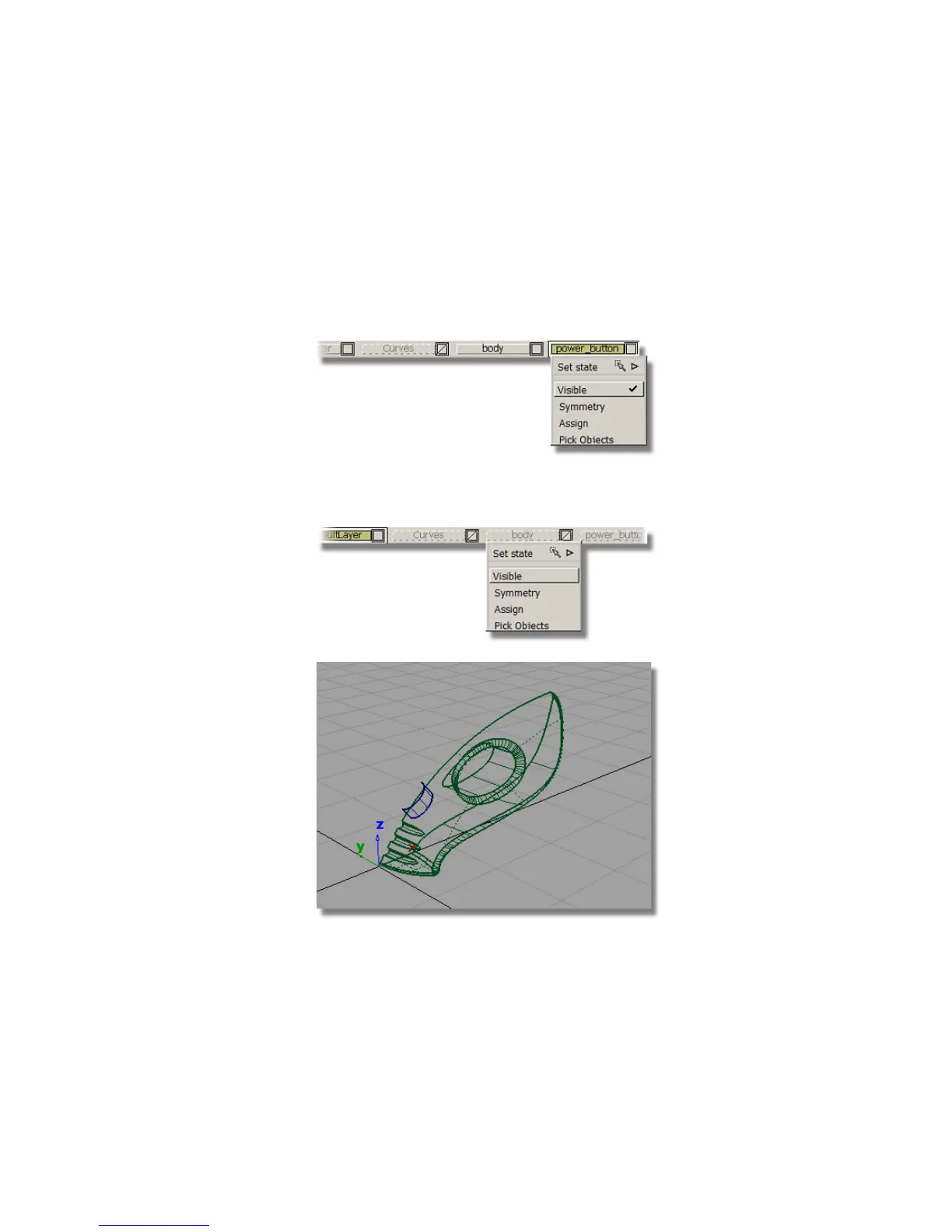
1 On the Layer Bar, click and hold on the power_button layer to see
the pull-down menu. Choose Visible to make the power_button surfaces
invisible.
2 Make the body layer visible by choosing Visible from the pull-down
menu.
Part 6: Power Button | 361



 To Next Page