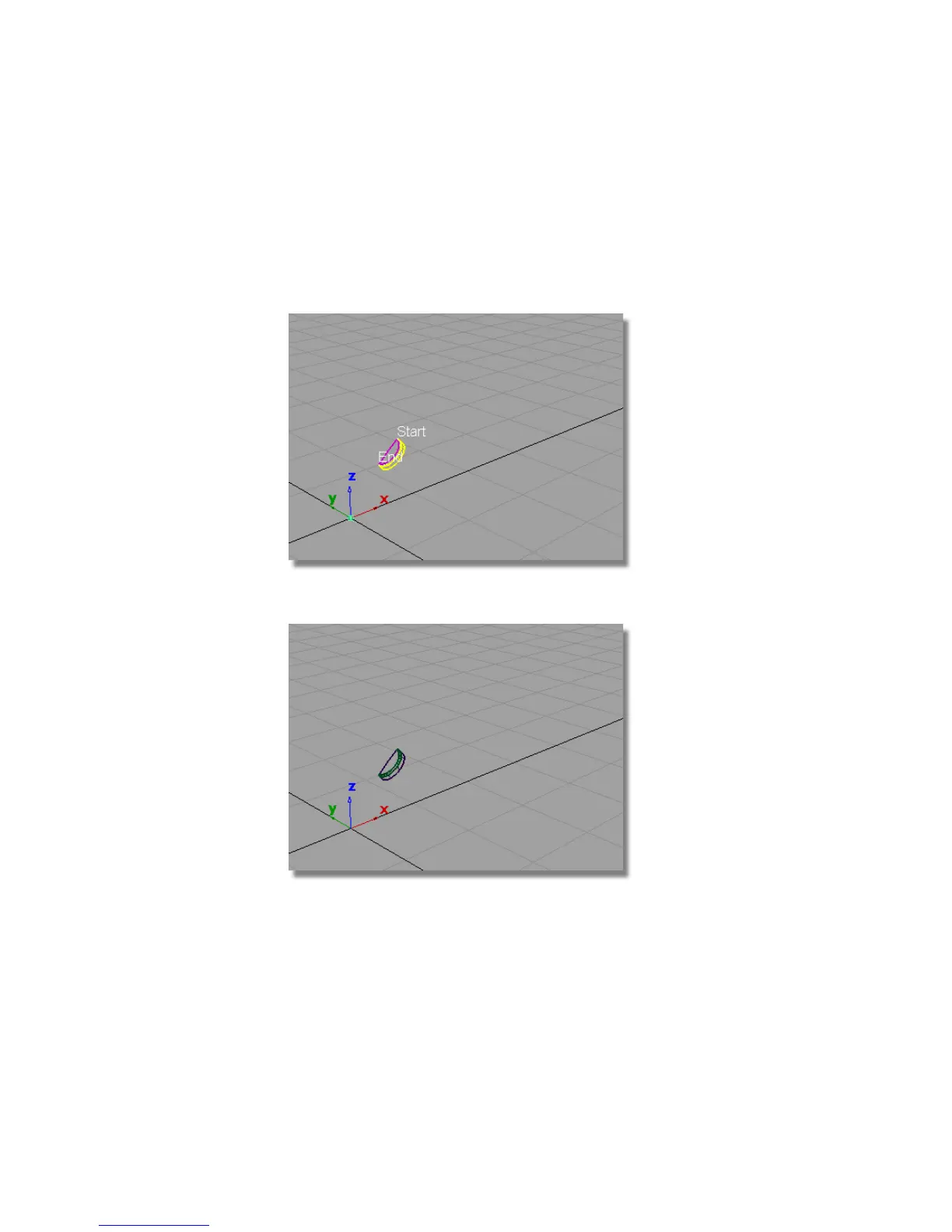
The yellow arrow needs to point inwards on the cylinder surface. If it is
pointing outwards, click the arrow to reverse it.
7 Click Build.
The fillet surface is created, and the upper and cylinder surfaces are
trimmed to create the power button.
8 Choose Pick > Nothing to deselect all the surfaces.
360 | Chapter 6 Modeling a Vacuum Cleaner



 To Next Page