NOTE If the shadow disappears after setting Shadow Position to USER
DEFINED, open the Light editor for each of your lights, and set Ground
Plane Shadows to ON. See Lights in the Multi-lister on page 658.
Changing the Light Direction
Now, you will rotate the Directional light to modify the shadow direction.
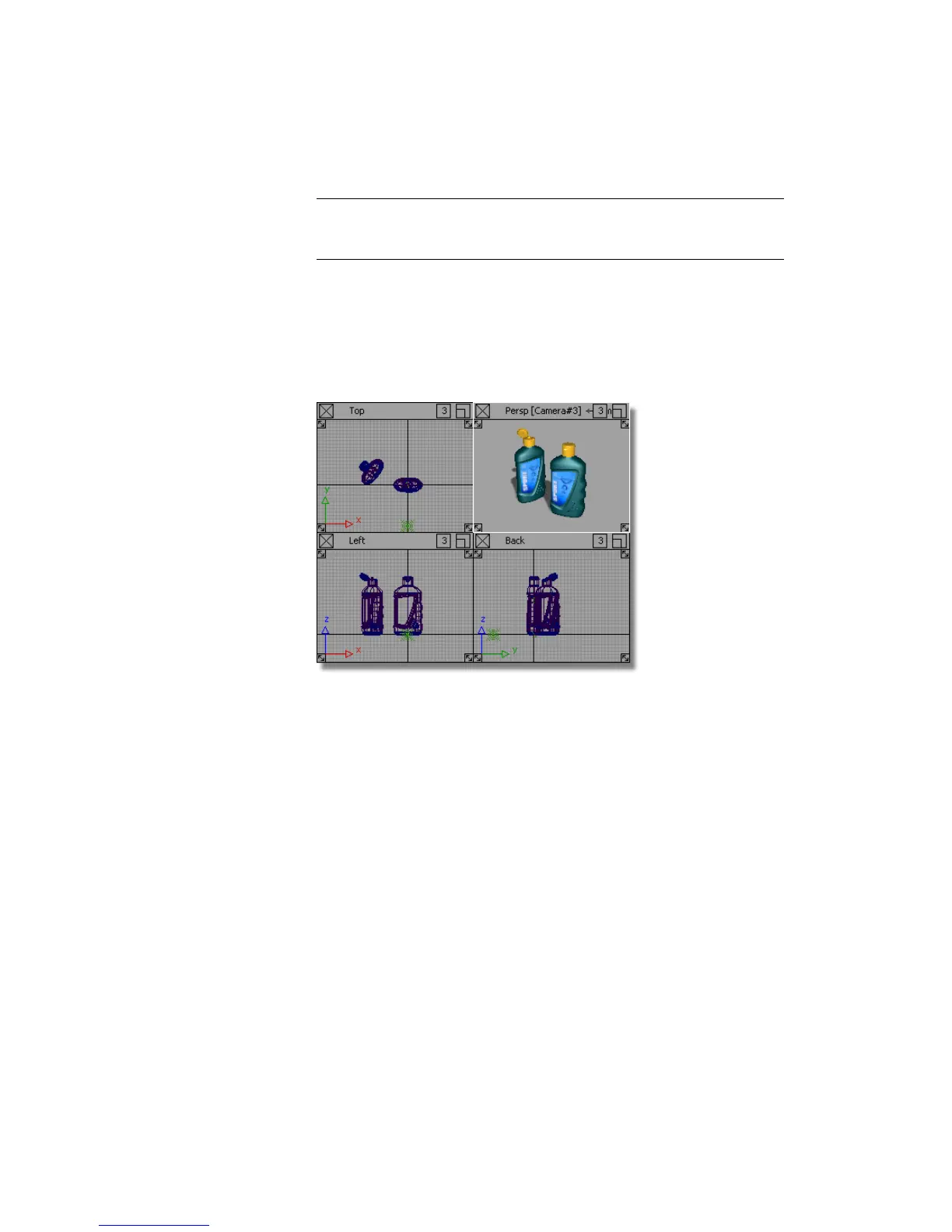
1 Choose Layouts > All Windows > All Windows or F9 to show all four
windows.
In the Top window, the two lights are shown, but are partly hidden by
the model.
2 In the SHOW button in the Top window, choose Model to remove the
wireframe view. This makes it easier to see the lights in the scene.
Part 3: Lighting the Scene | 663



 To Next Page