If you were not successful in part 1, open the file called vacuum_part2.wire,
located in the wire directory of the CourseWare project. This file contains the
completed model from Part 1.
Watch Part 2 of the tutorial.
Intersecting the upper and lower surfaces
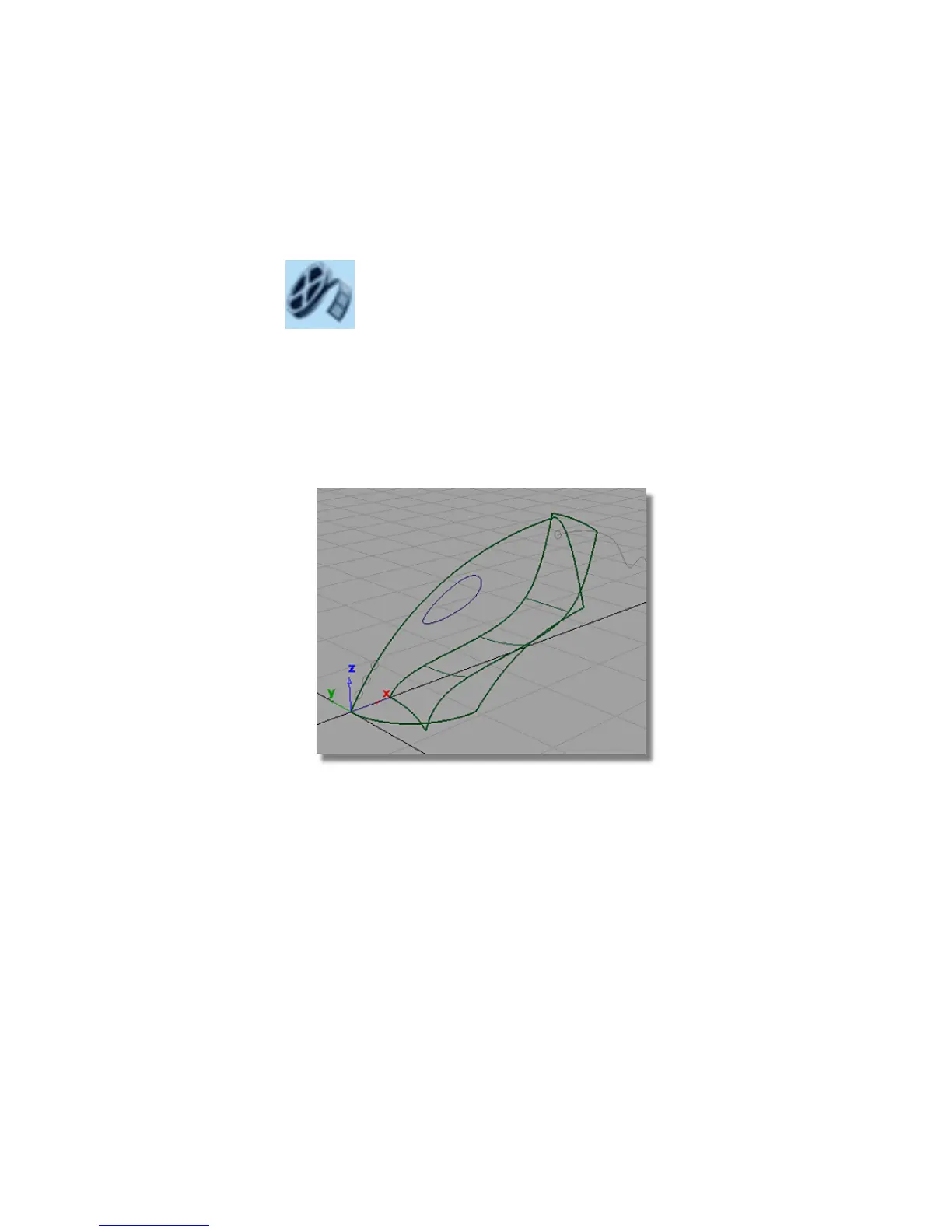
Now, you will intersect the upper and lower surfaces to create the body shape.
1 Click the wireframe icon in the diagnostic Shading area of the
Control Panel to remove the shading.
2 Choose Surface Edit > Create CurvesOnSurface > Intersect . This tool
creates the curves-on-surface that are used to trim the surfaces.
Part 2: Intersecting and Trimming | 295



 To Next Page