Creating a New Light
Now that you have changed the light to create an interesting shadow, the
lighting on the bottles has changed.
You will now create another light to fill in the dark areas.
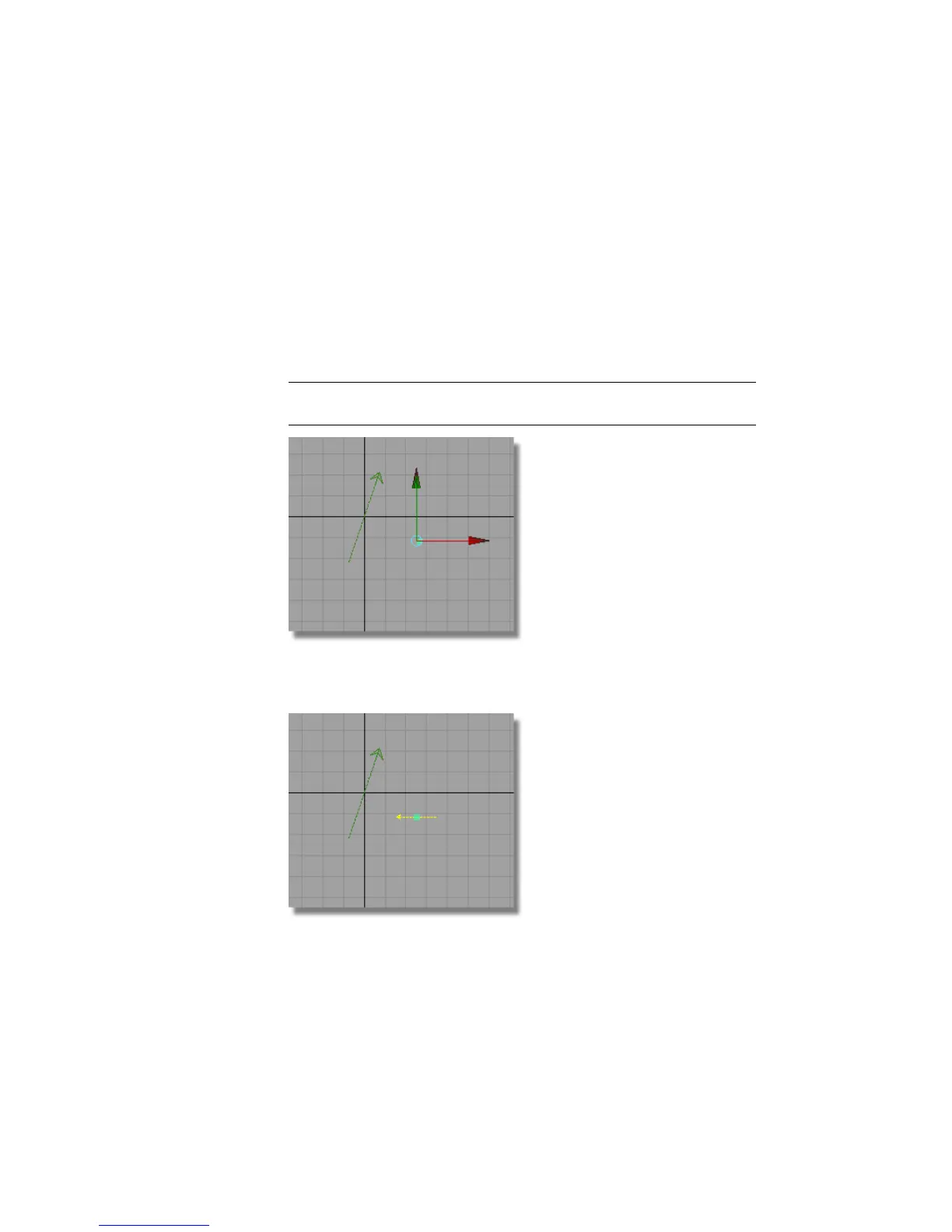
1 Choose Render > Create Lights > Directional .
2 You are prompted to place the light in the scene. In the Top view, click
near the origin to place the light.
NOTE The location of a directional light does not affect the lighting in the
scene, only the rotation of the light makes a difference.
3 With the light still selected, choose Transform > Rotate and click and
drag the middle mouse button to rotate the light in the y-axis.
666 | Chapter 10 Shaders and Lights



 To Next Page