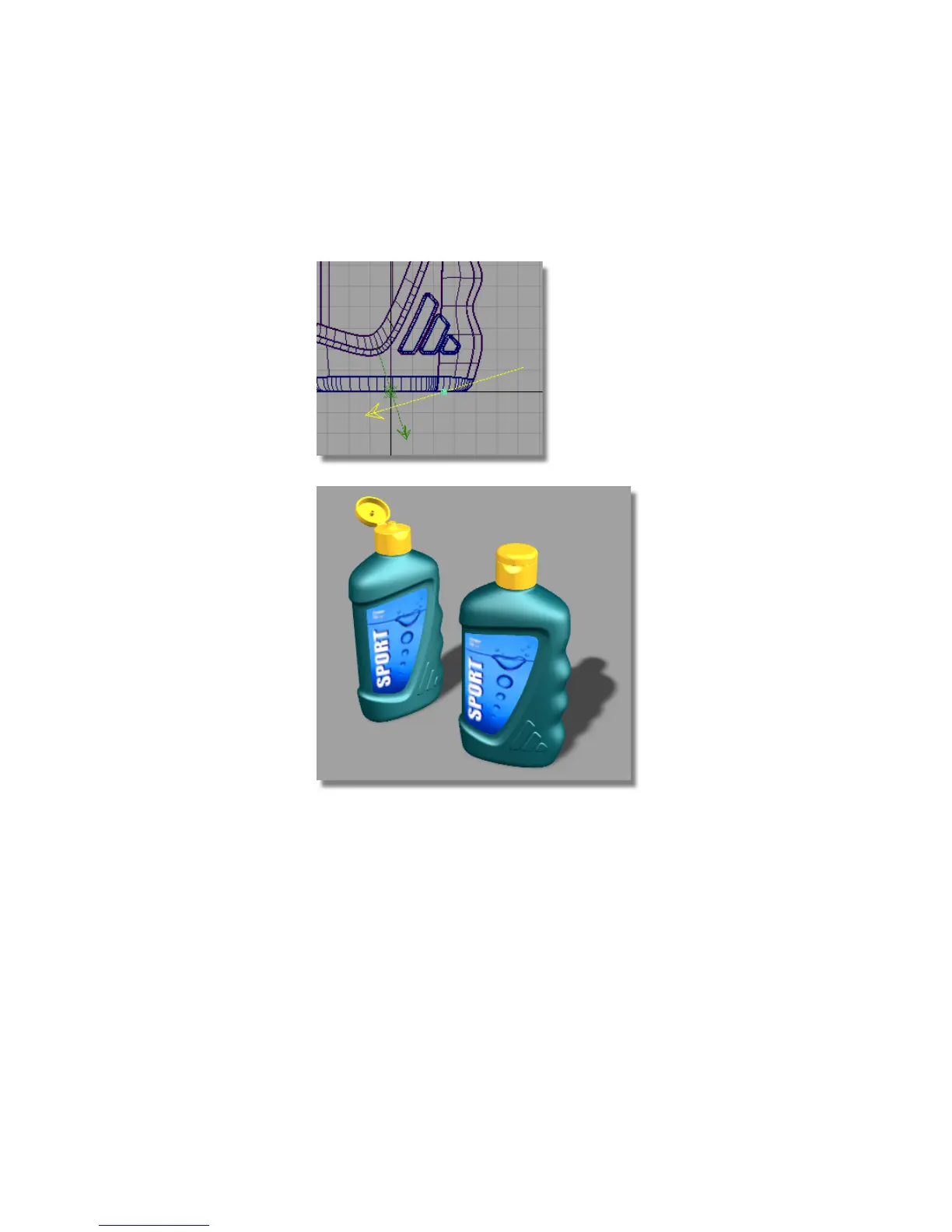
4 Observe the direction of the light in all the windows, and continue to
rotate it in any of the three axes, until it is illuminating the dim areas of
the bottles.
The bottles may be over-lit, as the new light has an Intensity of 1. Now, you
will modify the second light using the Multi-lister.
1 Choose Render > Multi-lister > Lights.
Part 3: Lighting the Scene | 667



 To Next Page