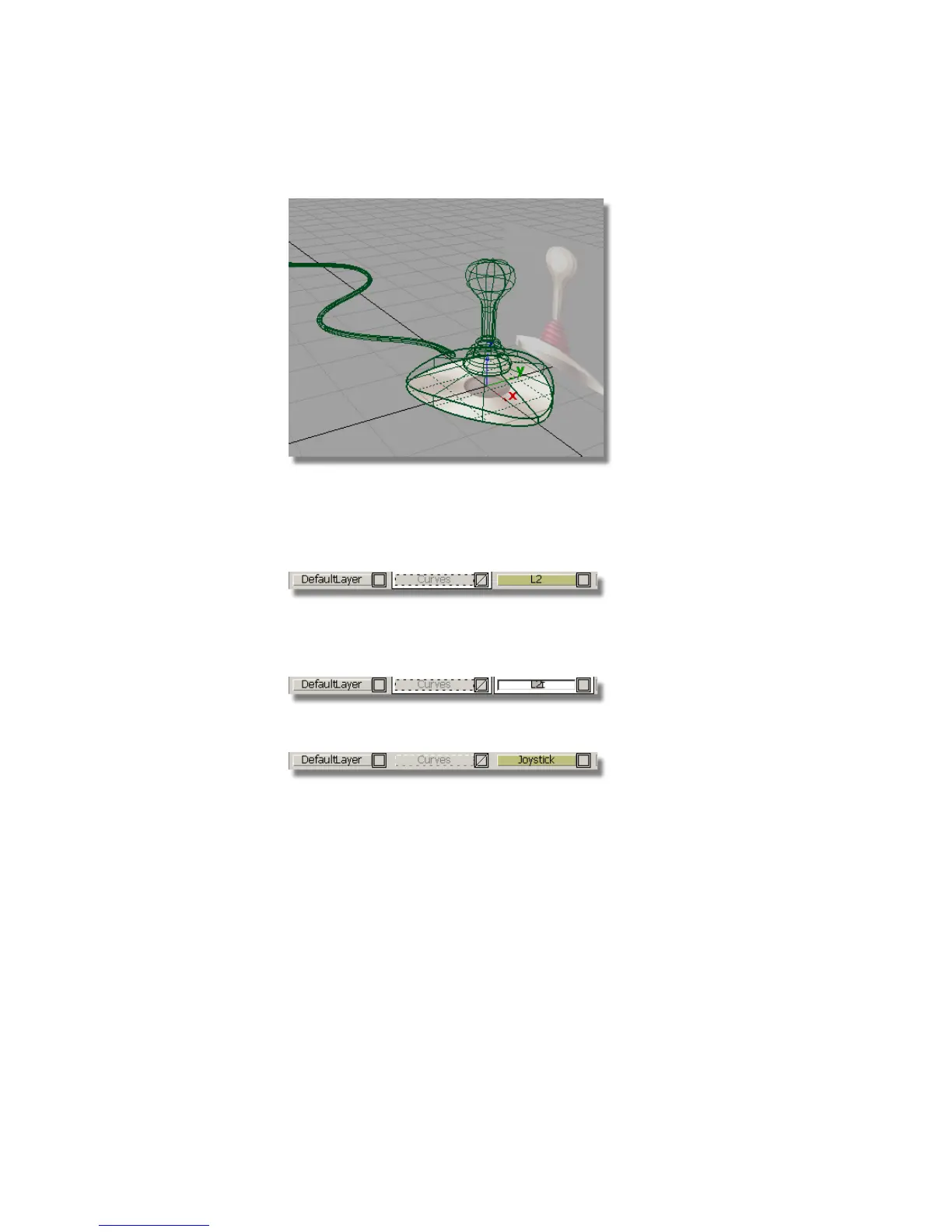
Assigning the surfaces to layers
1 Choose Layers > New to create another layer.
A new layer button called L2 appears in the Layer Bar.
2 To rename the layer, in the Layer Bar, double-click the L2 layer.
Type the word Joystick, and press Enter (Windows) or Return (Mac).
3 Choose Pick > Object .
4 Select the joystick base, sleeve, and handle.
228 | Chapter 5 Modeling a Joystick



 To Next Page