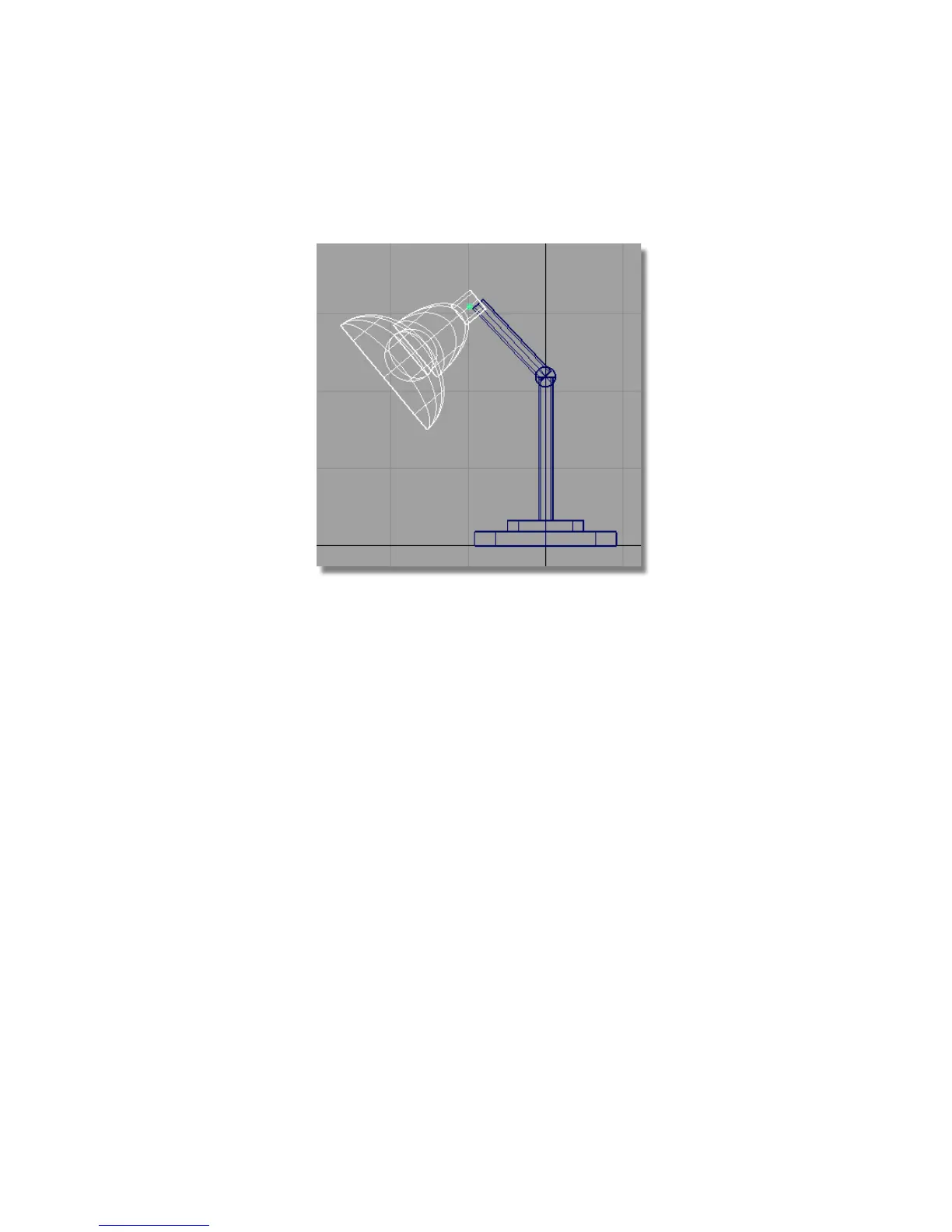
4 Choose Transform > Rotate . Use the middle mouse button to rotate the
lampshade about the y-axis.
Grouping the lampshade and arm
Next, group the lampshade to the arm, so the lamp can be moved and
arranged.
1 Use Pick > Object and select the lampshade and the upper arm.
Part 5: Assembling the desk lamp | 139



 To Next Page