Part 1: Creating Primary Surfaces
In this section, you will use the Square, Skin, and Align tools to create the
basic shape of the shower gel bottle.
You will build the front half of the bottle, which will later be mirrored to
complete the design. You will create a smooth connection between both halves
by controlling the implied tangent continuity across the center line.
When you create the shoulder surface, you will blend it smoothly to the main
bottle surface using tangent continuity.
Watch Part 1 of the tutorial.
Opening the tutorial file
The tutorial file has curves for building the shower gel bottle.
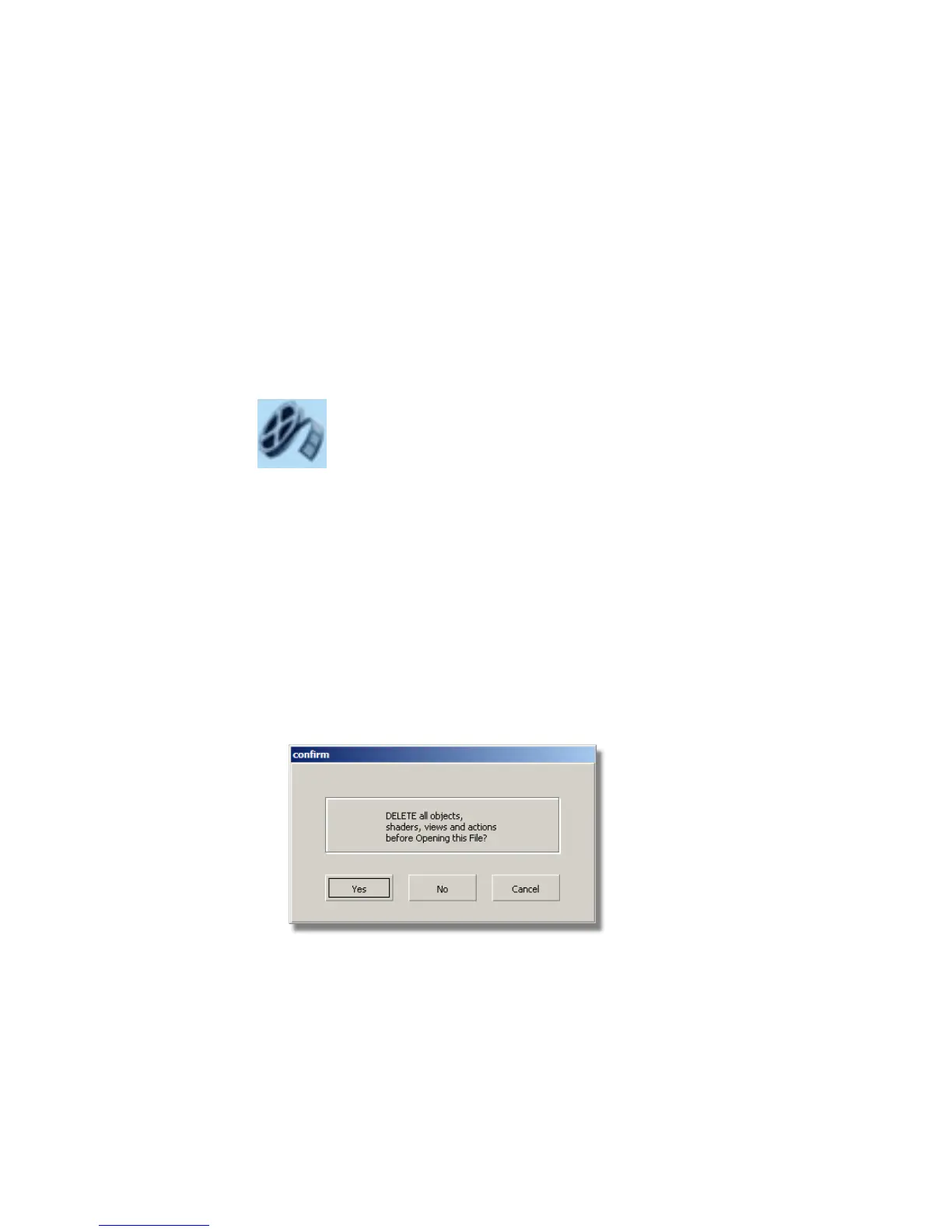
1 Choose File > Open to open the File Browser.
2 In the File Browser, locate the CourseWare directory and set it as the
Current Project.
3 Open the file called showergel.wire, located in the wire directory in the
CourseWare project.
(For information on how to open a file, see Opening the tutorial file on
page 82.)
516 | Chapter 8 Modeling a Sports Shower Gel Bottle



 To Next Page