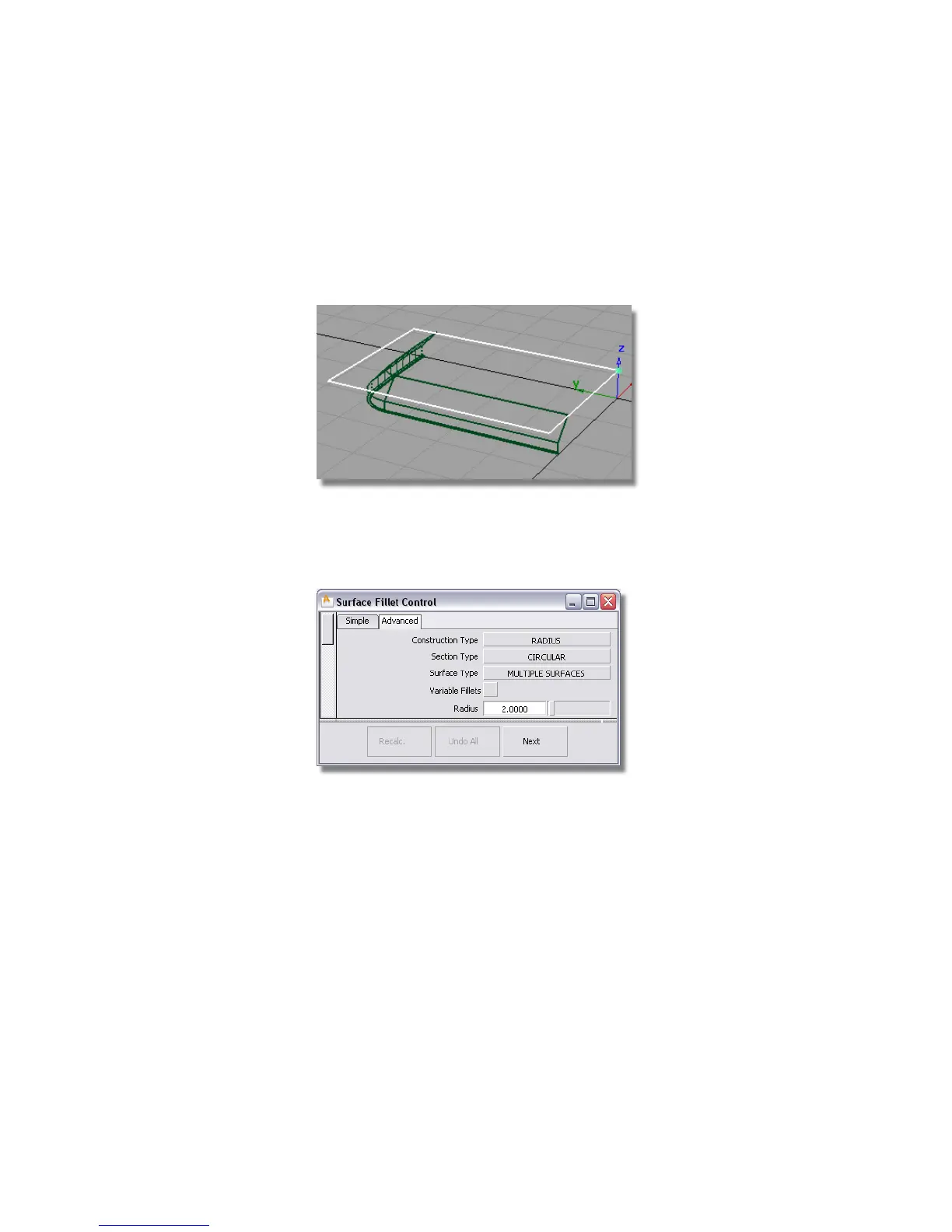
Filleting the Plane Surface
Now you will use the Surface Fillet tool to trim the front face and create an
edge with a radius in one operation.
1 Maximize the Perspective window.
2 Choose Surfaces > Surface Fillet and double-click the icon to open the
option window.
3 Change the Radius to 2.
4 You are prompted to select the first set of surfaces. Select the plane.
Part 3: Completing the Casing | 431



 To Next Page