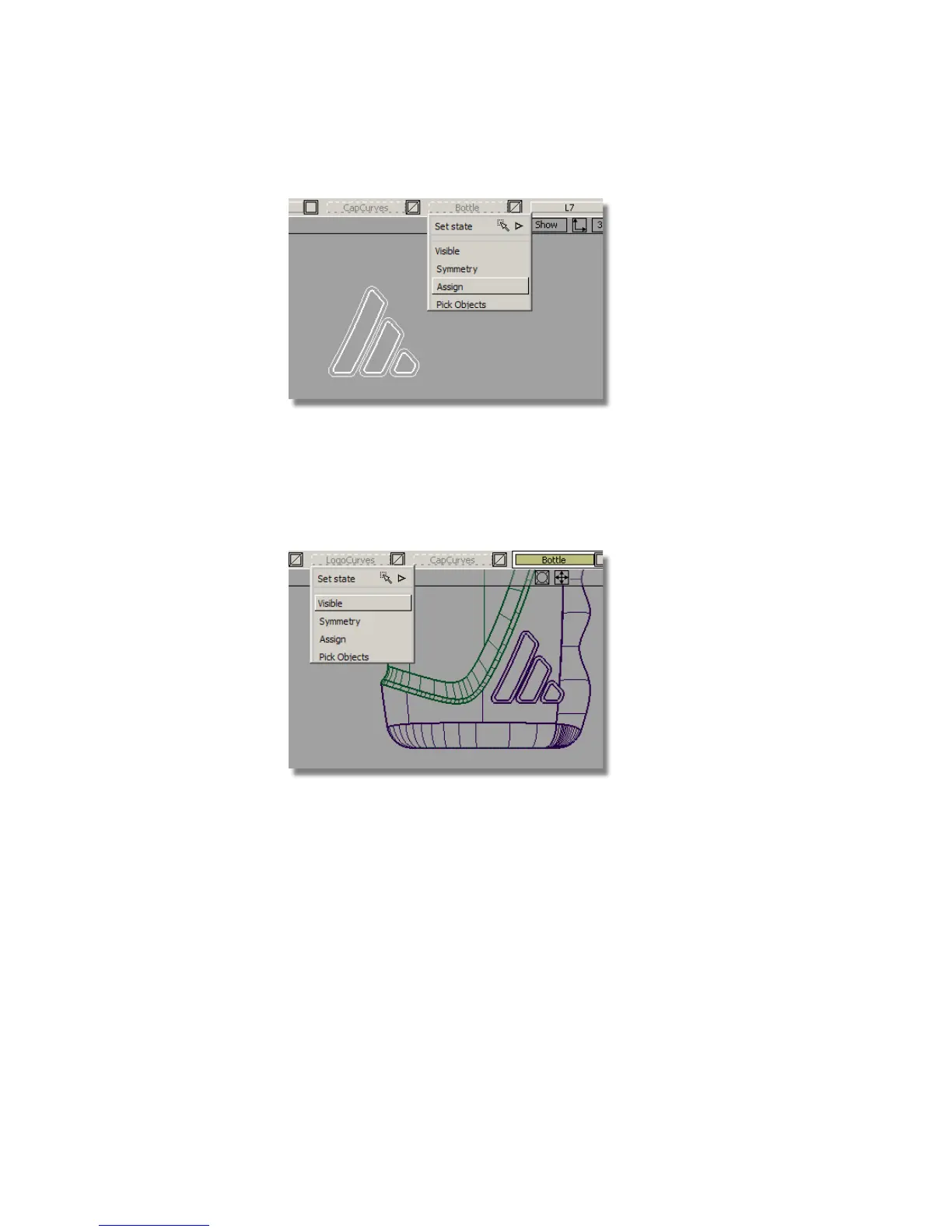
The surface disappears from the screen because it has been placed on an
invisible layer.
9 Make the Bottle layer visible and check that the new offset surface is
there.
10 Make the LogoCurves layer invisible.
11 Remove the temporary layer by choosing Layers > Delete > Unused Layers
.
Creating the Freeform Blend Surfaces
To give a smooth ‘embossed’ edge to the logo, you will use the Freeform Blend
tool to blend from the outer to the inner shapes.
584 | Chapter 8 Modeling a Sports Shower Gel Bottle



 To Next Page