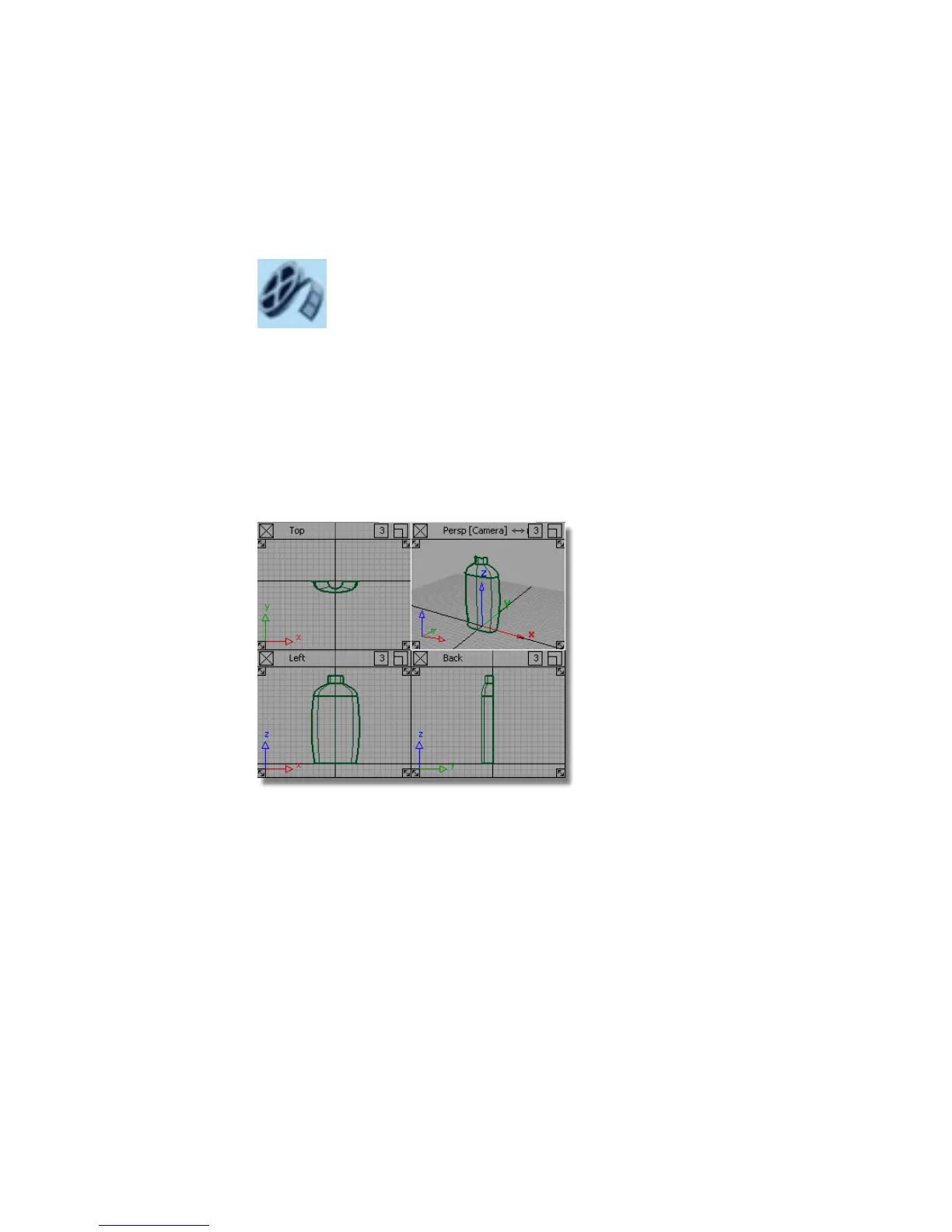
The finger grip area is created by removing part of the body surface, and
replacing it with a birail surface which follows the grip profile, and blends in
smoothly to the body.
Watch Part 2 of the tutorial.
Opening the tutorial file (optional)
If you successfully completed Part 1, proceed to the next step: Making Space
for the Grip Detail below.
If you were not successful in part 1, open the file called showergel_part2.wire,
located in the wire directory of the CourseWare project. This file contains the
completed model from Part 1.
Making Space for the Grip Detail
To make space for the finger grip, you will split the body surface and discard
the part which will be replaced by the grip feature.
Because the isoparms on the surface are at a convenient location, you can use
the Detach tool to split the surface at an isoparm. You can snap to a particular
isoparm, using the Ctrl (Windows) or Control (Mac) key.
Before detaching, delete the construction history of the surfaces.
534 | Chapter 8 Modeling a Sports Shower Gel Bottle



 To Next Page