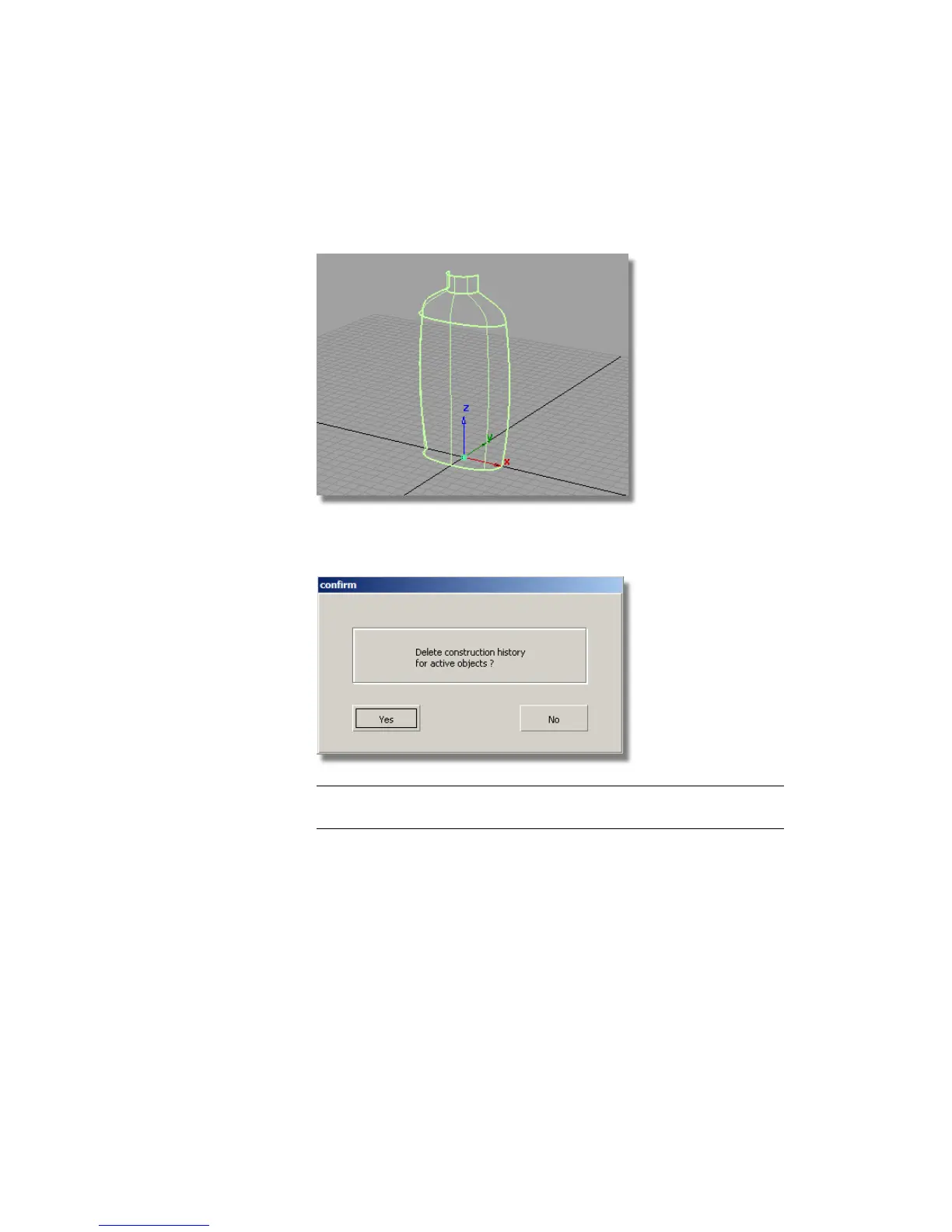
1 Maximize the Perspective window.
2 Choose Pick > Object and select all the surfaces.
3 Choose Delete > Delete Construction History and answer Yes when
prompted.
NOTE Detaching leaves a good quality edge on the surface. However, it is
not reversible, so we recommend you save before using Detach!
4 Choose the Object Edit > Attach > Detach tool. Hold down the Ctrl
(Windows) or Control (Mac) key and select the isoparm shown.
Part 2: Creating the Finger Grip | 535



 To Next Page