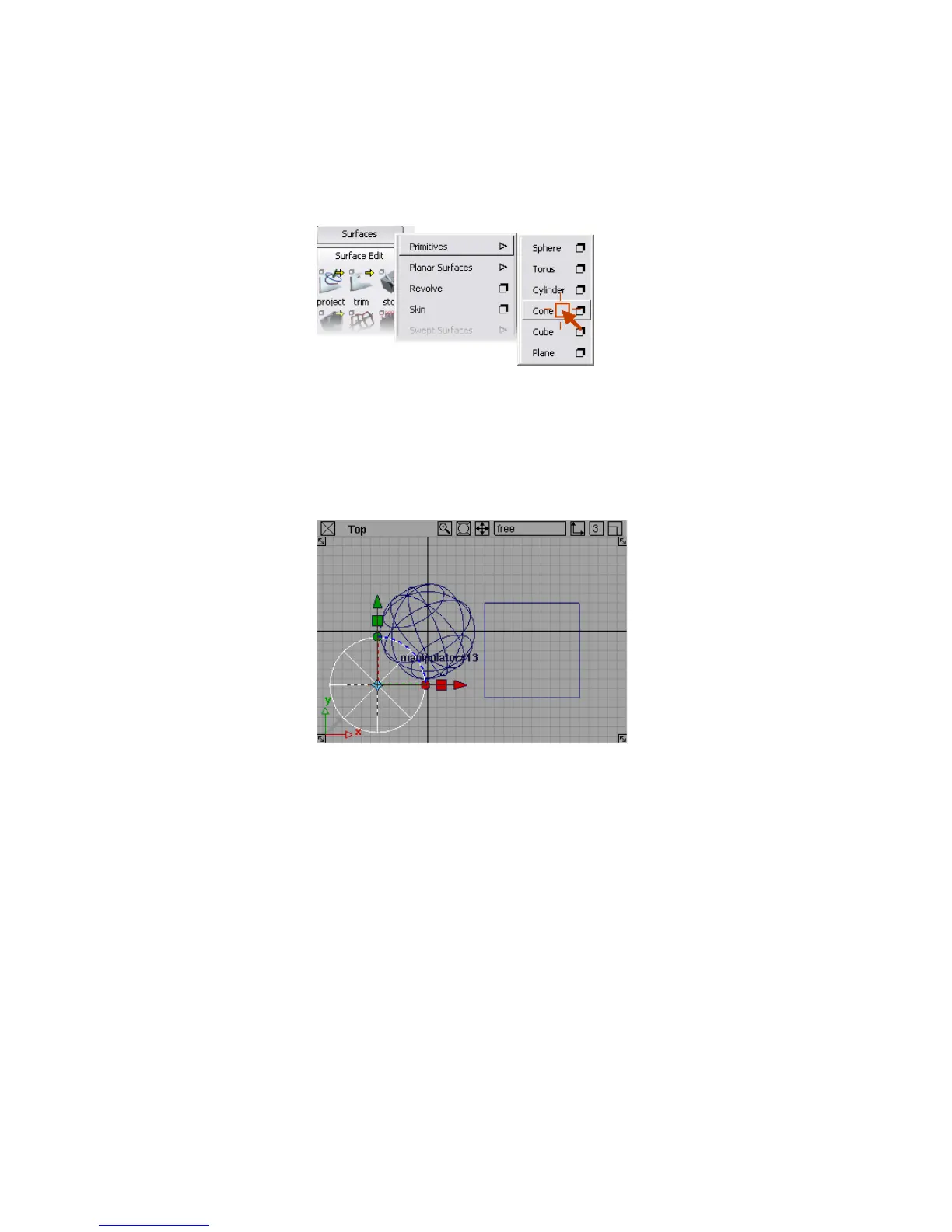
4 Click the Cone tool option.
You have now seen two different ways to choose a tool from a palette.
From now on, when instructed to choose tools by name, for example:
“On the Surfaces palette, choose Primitives > Cone.”
you can either click the tool icon, or choose the tool from the palette
menu.
5 Click in the Top view to place a cone in the scene.
6 Click the Surfaces palette’s tab again to expand the Surfaces palette
back to normal.
To use tool options to add a half-cylinder
1 With the right mouse button, click the title tab of the Surfaces palette to
open the palette menu, then open the Primitives submenu.
Notice that some items have shadowed boxes next to the name of the
item.
Using a Snap Mode | 31



 To Next Page