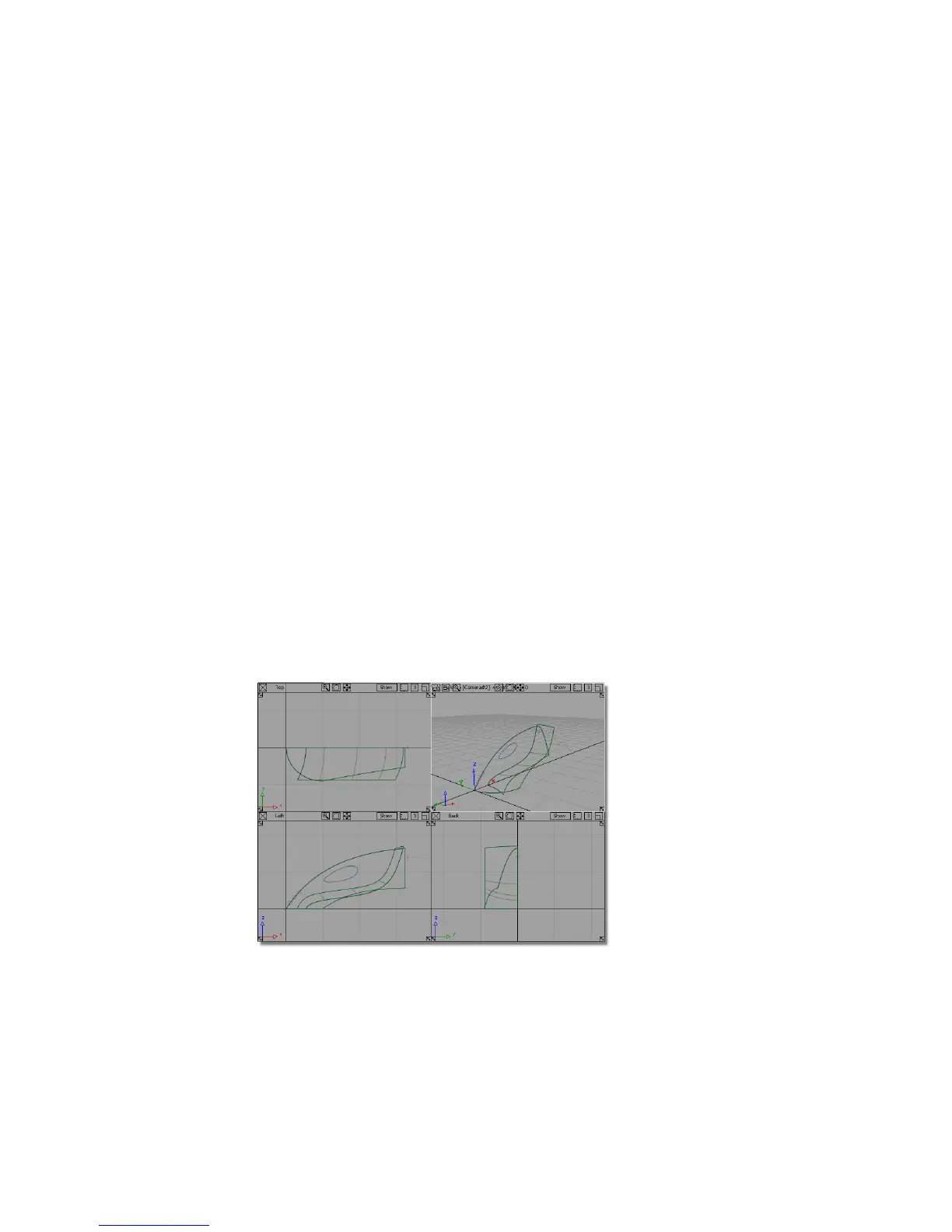
2 In the File Browser, locate the Lessons directory. Set the Lessons directory
as the Current Project.
3 Save your work in the wire directory of the Lessons project.
4 Name your file myvacuum.wire.
For information on creating the Lessons project, or saving your work, see
Saving your work on page 96.
Part 2: Intersecting and Trimming
A common way to combine NURBS surfaces is to intersect the surfaces, then
trim them where the two surfaces cross each other. This is the approach you
will take with the upper and lower surfaces of the vacuum cleaner.
First, you will intersect the surfaces. When you intersect surfaces, you create
curves-on-surface, which are lines that are created on the surfaces where the
surfaces intersect. You will then trim the intersecting surfaces along the
curves-on-surface, so the unnecessary surface areas are discarded, and only
the necessary surface areas remain.
Opening the tutorial file (optional)
If you successfully completed Part 1, you can proceed directly to the next step,
Intersecting the upper and lower surfaces.
294 | Chapter 6 Modeling a Vacuum Cleaner



 To Next Page