Setting Up Modeling Units
When you are using dimensions to specify a model in Alias, you first need to
select which units to use.
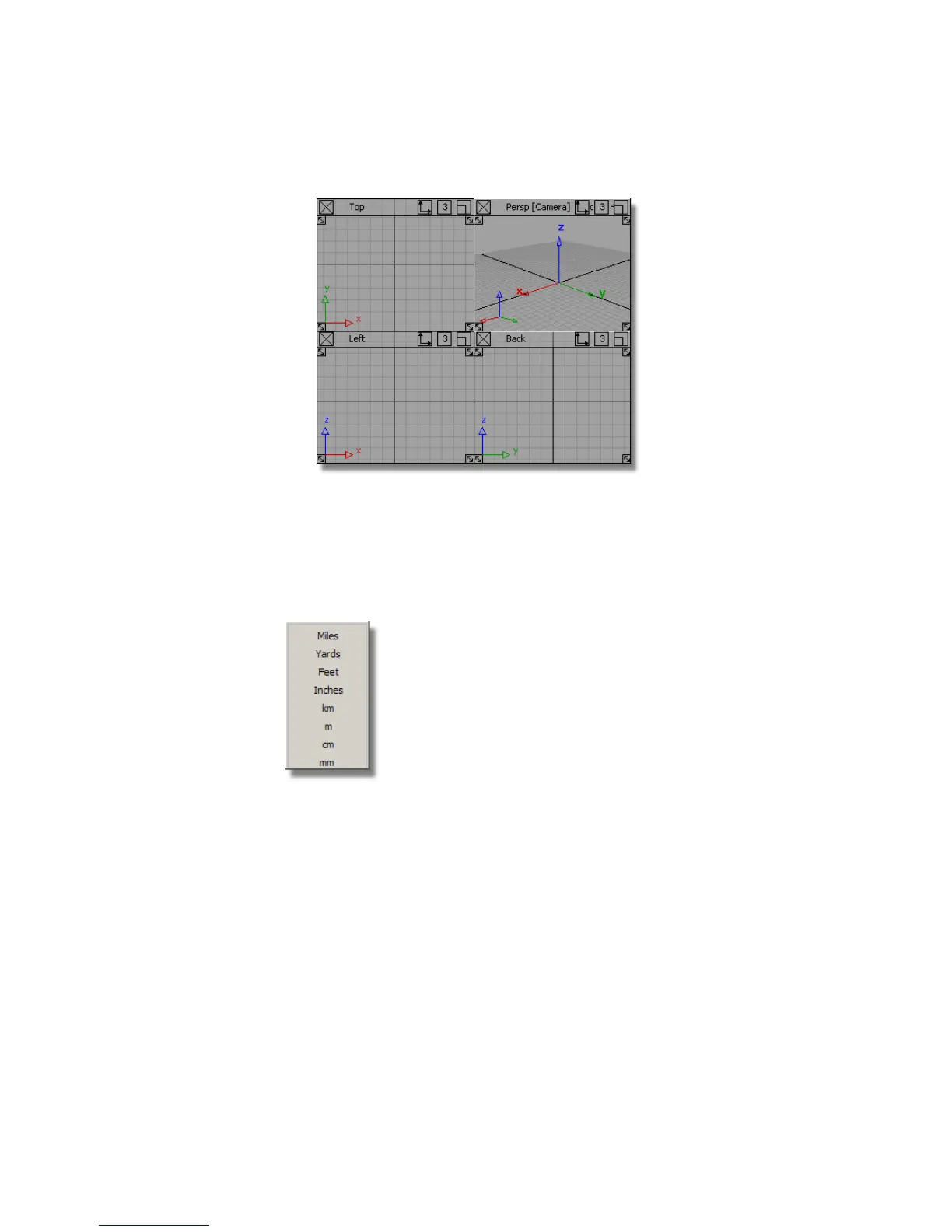
All the commonly used units are available:
For this tutorial, you will be working in millimeters, so first you will ensure
that the modelling units are set to mm.
1 Choose Preferences > Construction Options . In the Units section, open
Linear and check that the Main Units are set to mm. Close the window.
Part 1: Creating the Casing Curves | 405



 To Next Page