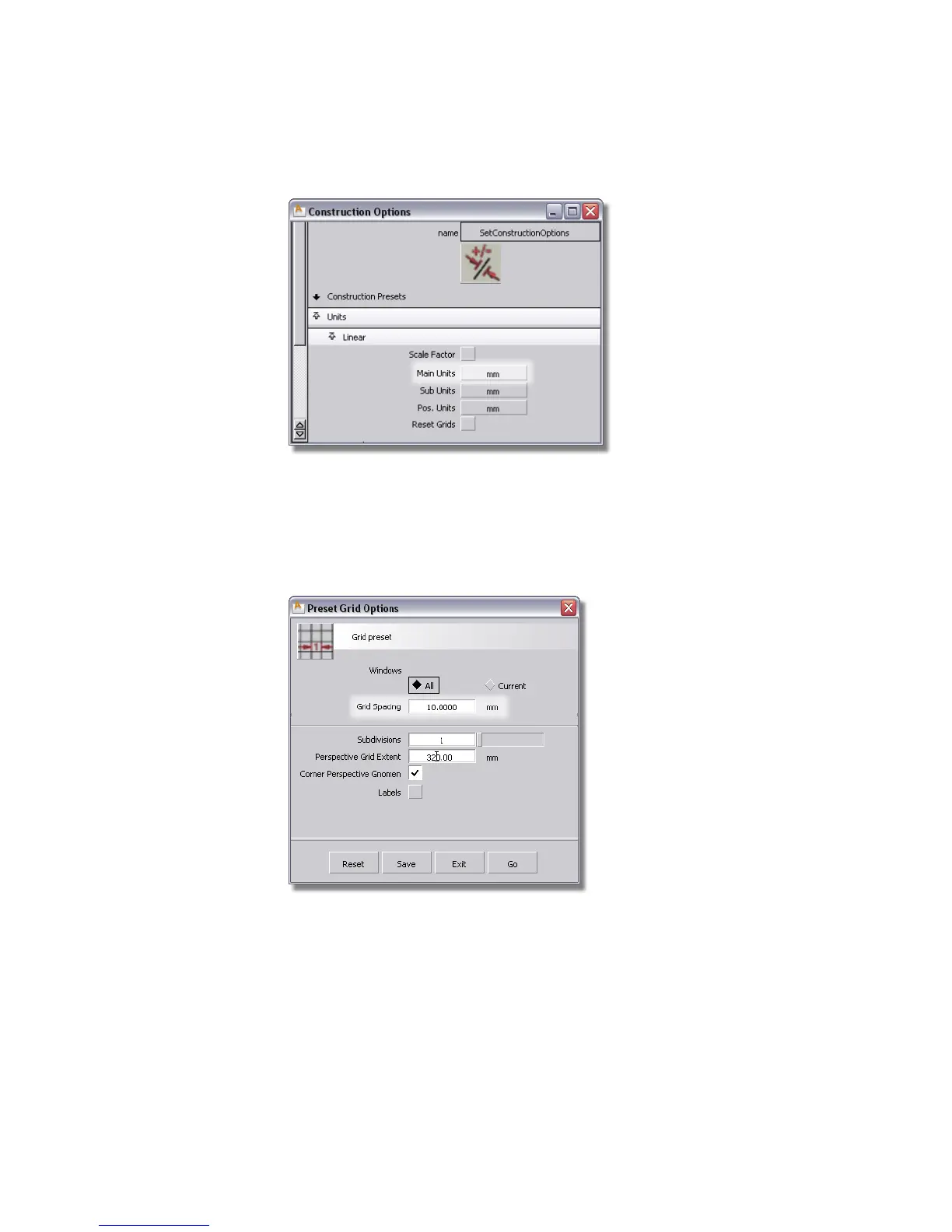
To help you visualize the scale of the new model, you will change the
grid spacing.
2 Choose Construction > Grid Preset and double-click the icon to open the
option window.
3 Set the Grid Spacing to 10.0 mm in the Preset Grid Options window.
4 Click Go to change the grid.
5 Maximize the Top window.
406 | Chapter 7 Modeling an MP3 Player



 To Next Page