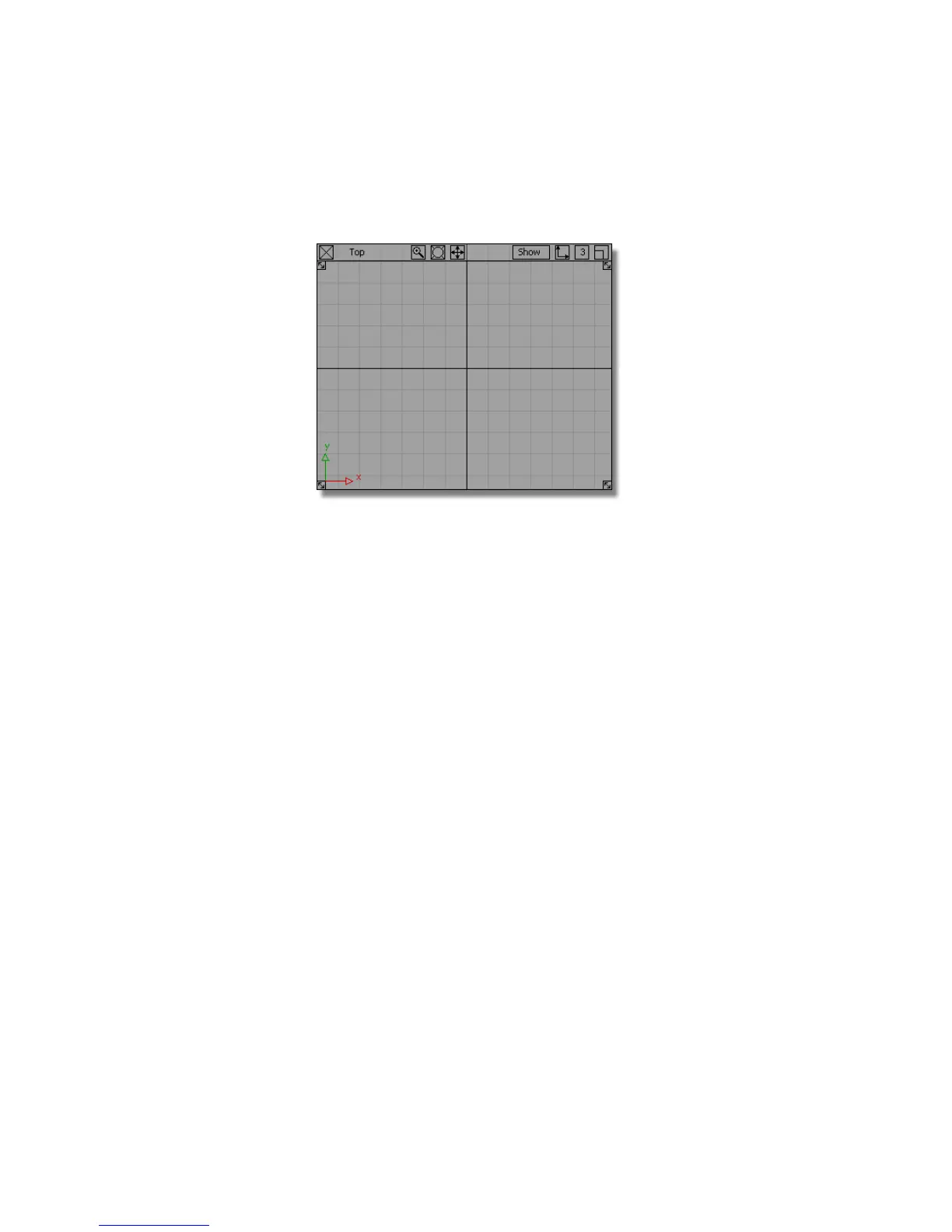
6 Zoom into approximately 10 grid squares vertically; this will give you a
good view for the size of the MP3 player.
Creating the Casing Curves
First, you will create the side and top curves of the MP3 player casing.
1 Choose Curves > Keypoint Curve Toolbox, then Keypoint Curve Tools >
Lines > Line and use the Alt (Windows) or Command (Mac) key to Grid
Snap the start of the line to the origin.
2 Grid Snap the end of the line to the grid point 4 grid squares up to create
a vertical line 40 mm long.
Part 1: Creating the Casing Curves | 407



 To Next Page