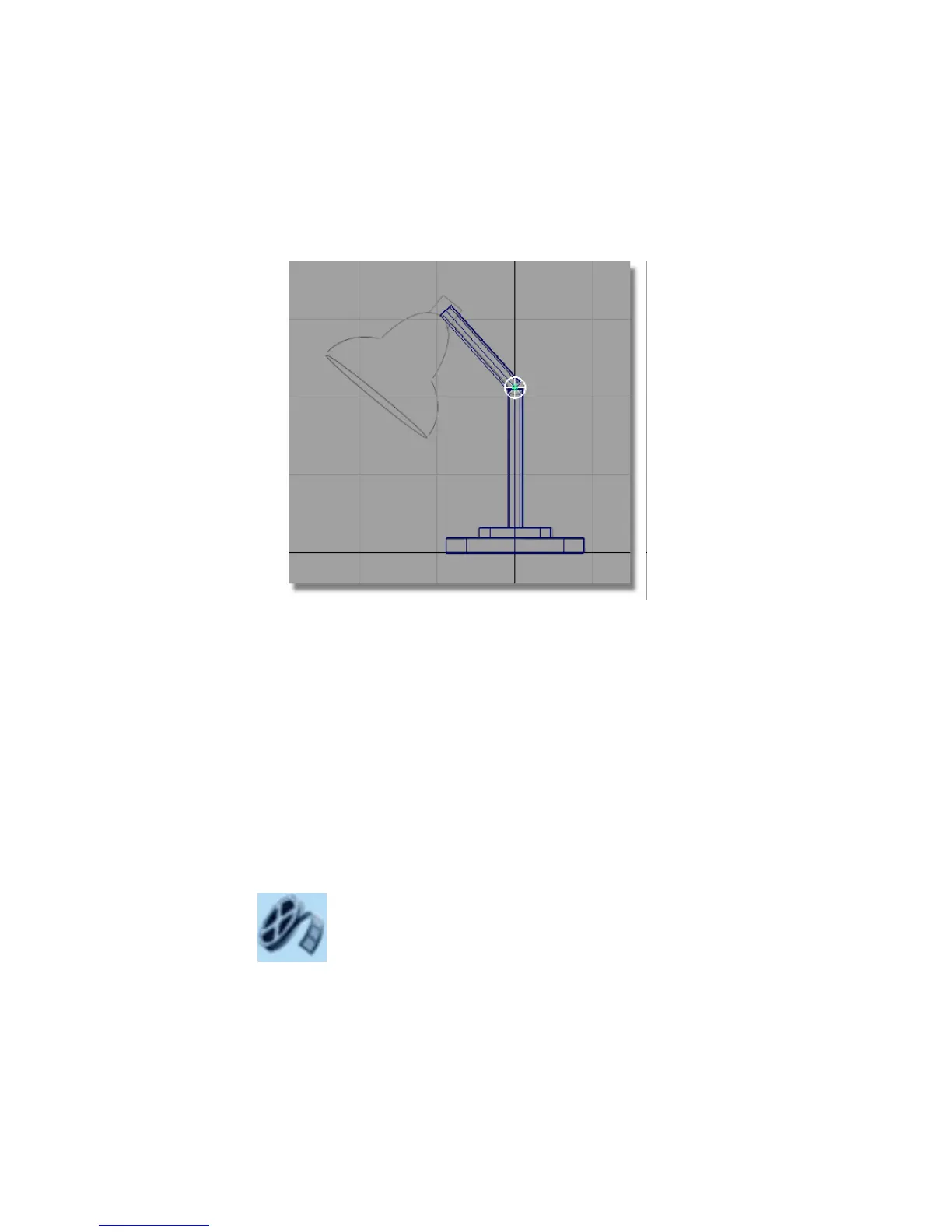
3 With the cylinder still selected, choose Transform > Scale . Click and drag
the left mouse button to resize the cylinder to match the hinge in the
sketch.
You have now completed the modeling for the base and the arm.
Saving your work
Choose File > Save As to save the current scene, and call your file mydesklamp2.
Part 3: Organizing the model
In this section, you will organize your model by grouping. One group will be
the base of the lamp, the other group will be the angled arm and hinge. The
groups will be named and managed using the Object Lister. The Object Lister
is a schematic view of the objects in your scene. It is very useful for managing
the components of a design.
Watch Part 3 of the tutorial.
114 | Chapter 4 Introduction to 3D



 To Next Page