Save your work
1 Choose File > Save As to save the current scene.
2 Save your work in the wire directory of the Lessons project. Name your
file myjoystick5.wire.
Part 6: Directly modifying surfaces
In this section, you will refine the design by directly moving the CVs of the
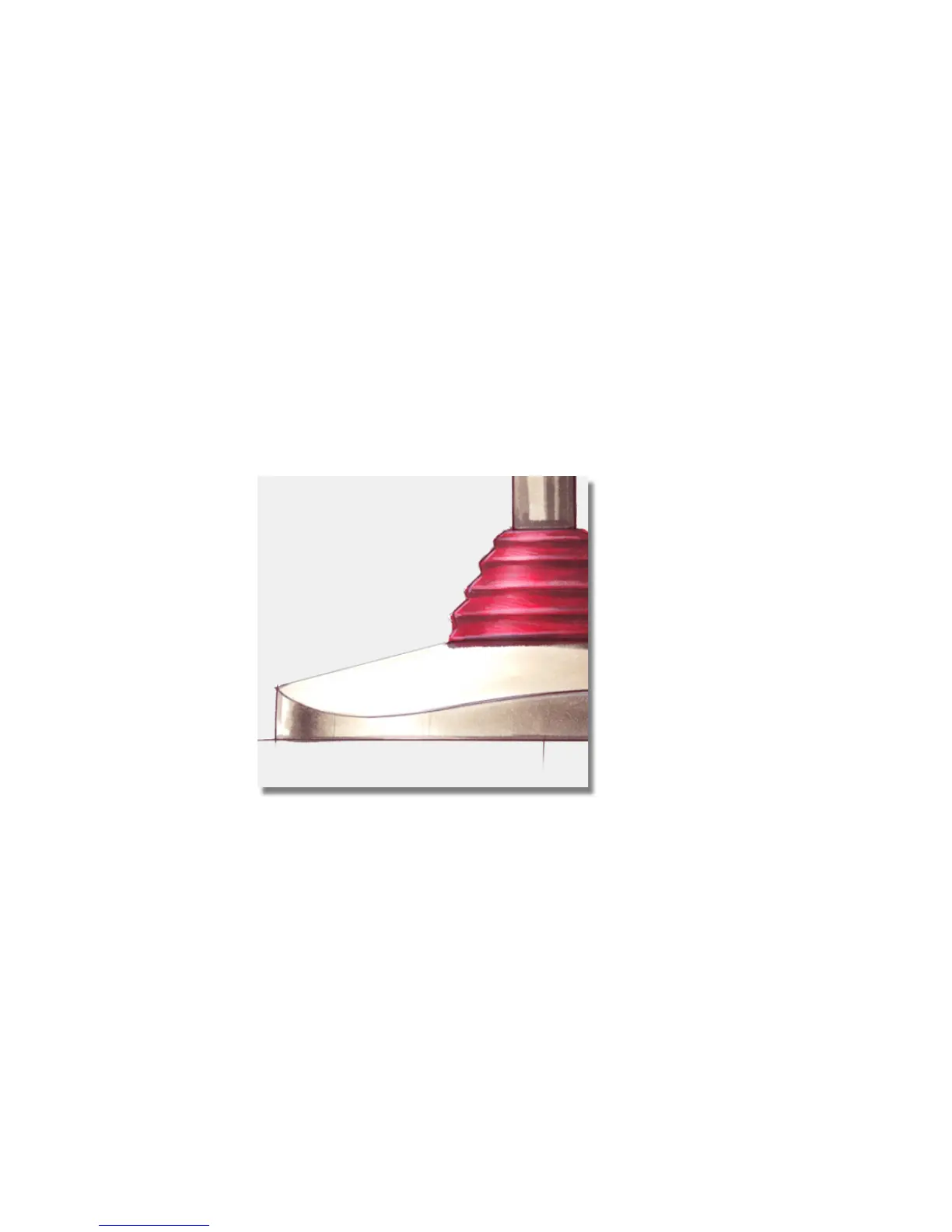
handle and base surfaces. The sketches shown below show the design changes:
The top of the base has changed from being a straight surface, to a gently
rounded surface.
232 | Chapter 5 Modeling a Joystick



 To Next Page