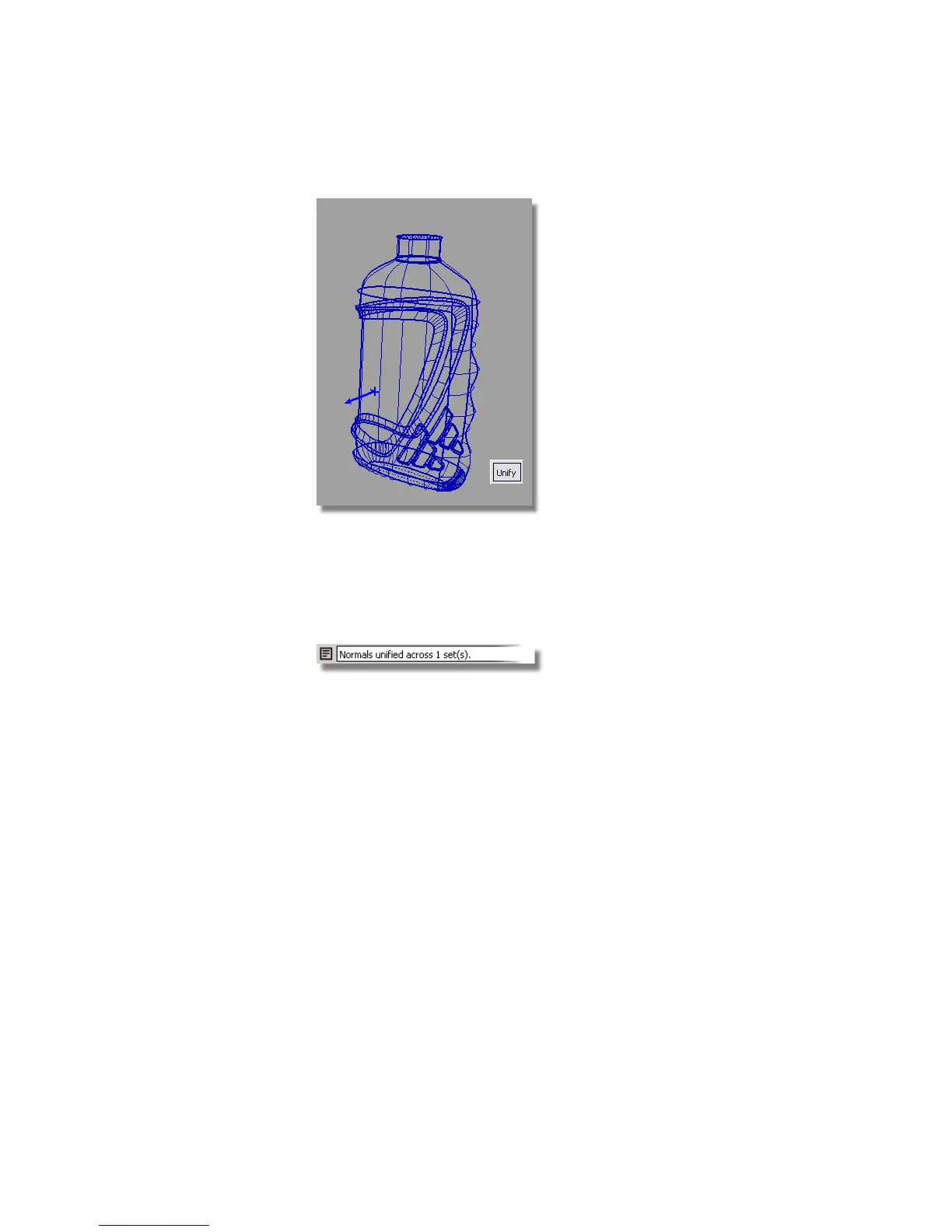
A blue arrow is also shown, indicating the orientation of the surfaces.
This arrow should point out, away from the model. If it doesn't, click it
to switch the direction.
5 Click Unify to unify the surface orientations. A message is shown in the
prompt window confirming the surfaces have been unified.
Calculating the Volume
Now, you will calculate the volume of the bottle.
1 Choose Pick > Object and select all the surfaces.
2 Choose the Evaluate > Mass Properties tool. The volume is created and
displayed in a separate window.
Part 6: Completing the Model | 595



 To Next Page